
ImageTranslate Guides
Translate images and files without losing what makes them useful
Step-by-step guides for image, PDF, PowerPoint, document, and text translation—covering OCR, formatting, mobile workflows, method selection, quality checks, and the questions people ask before they upload a file.
Start here
Choose the right workflow first
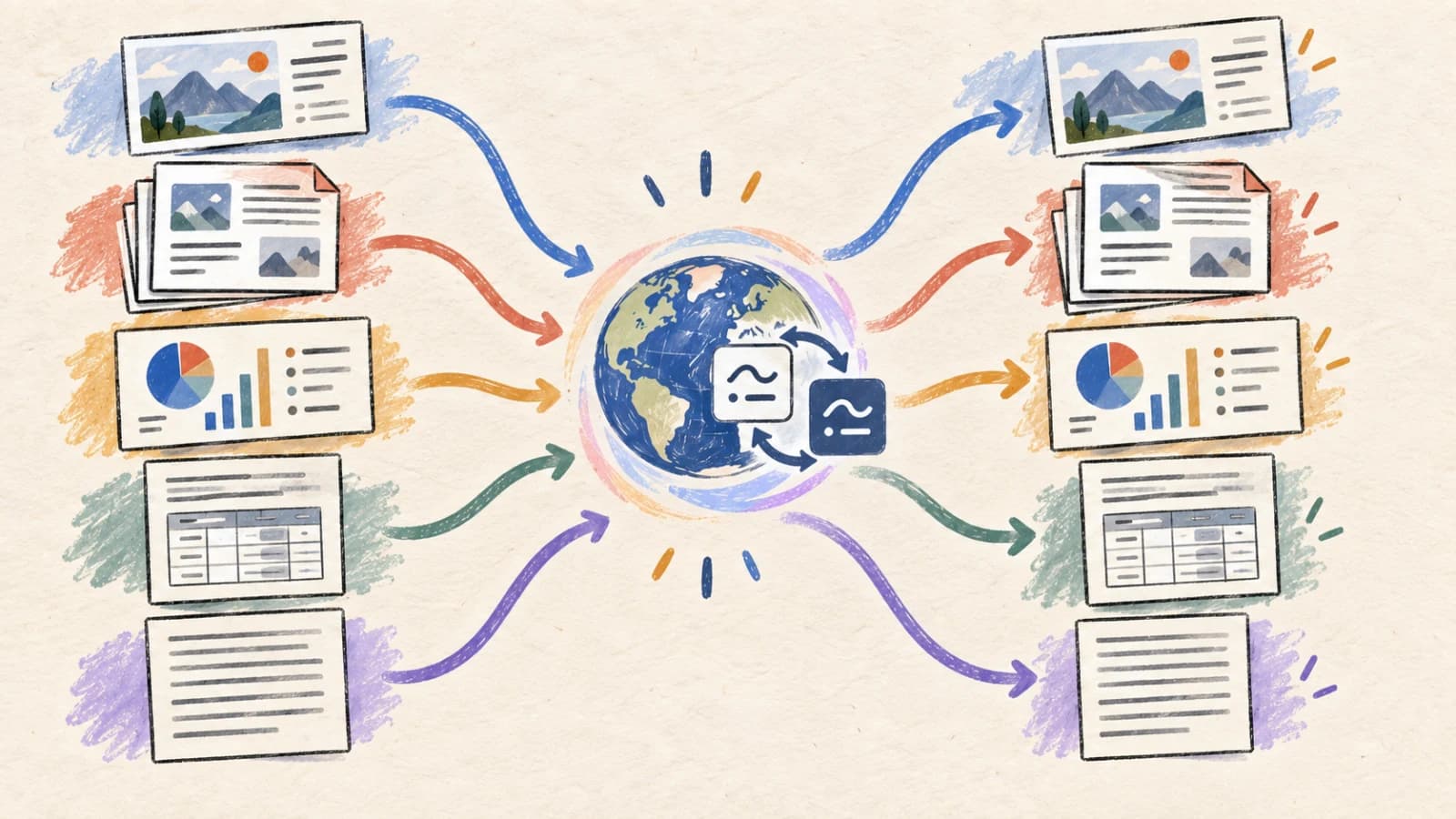
Pillar guides
Solve one translation problem at a time
Each guide compares methods, explains the difficult parts, covers mobile use, and links directly to the matching tool.
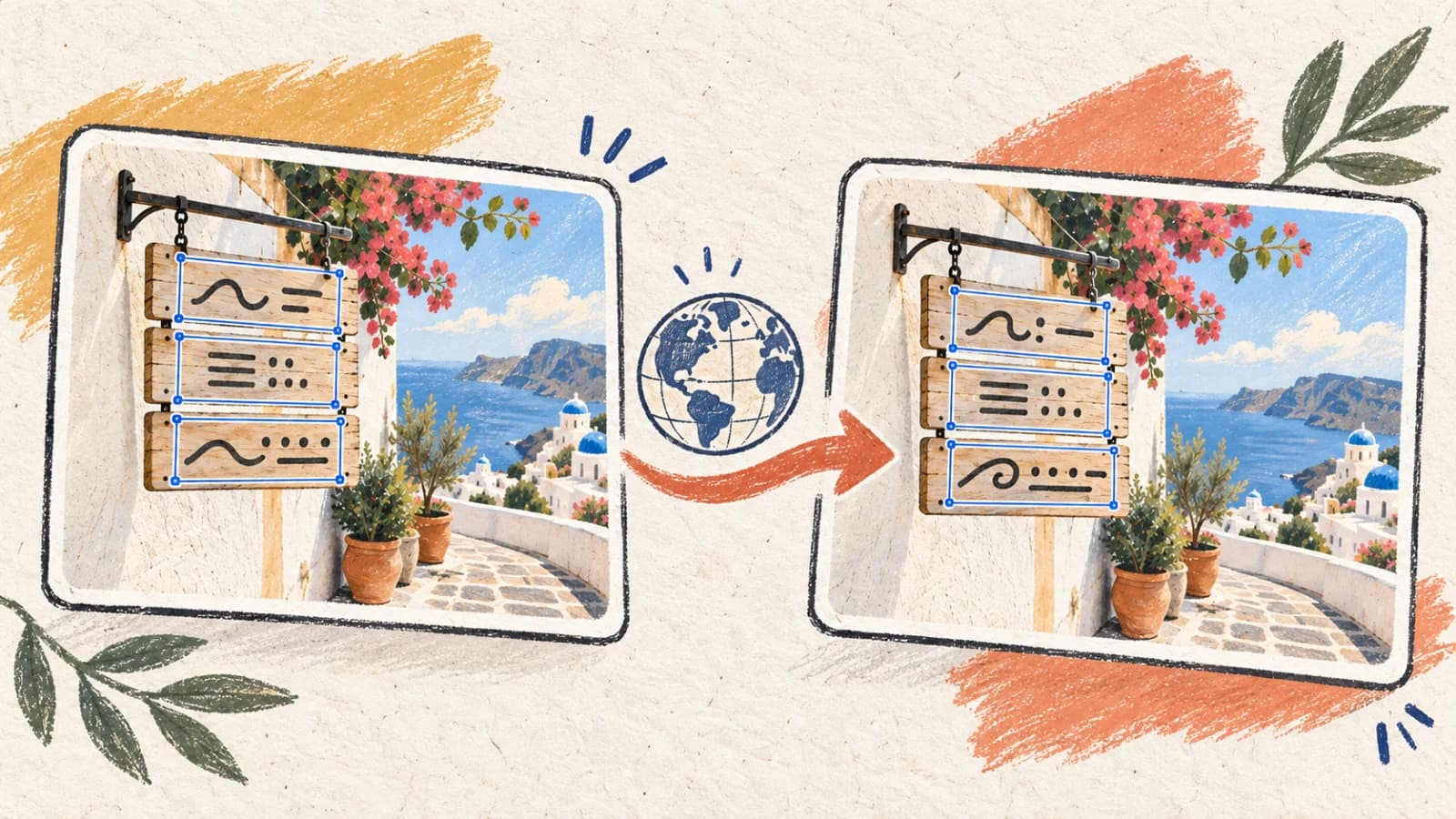
How to Translate Text in an Image Without Retyping It
A practical guide to translating screenshots, schematics, posters, and product graphics while preserving layout structure, cleaning backgrounds, and handling script expansion.
Sep 21, 202612 min read
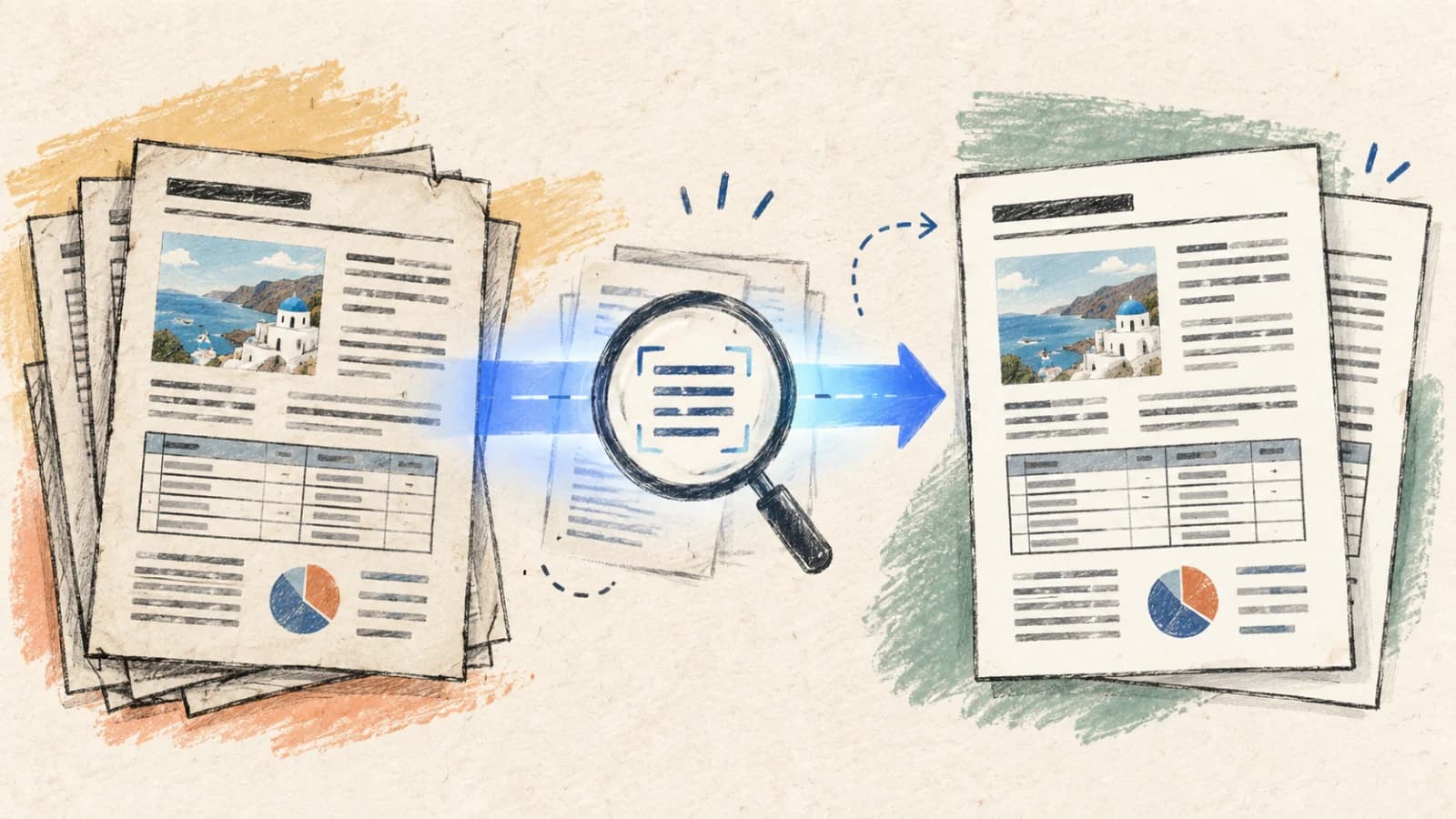
How to Translate a Scanned PDF and Keep the Formatting
A technical walkthrough on translating scanned reports, technical blueprints, and manuals using advanced OCR and structural layout re-typesetting.
Sep 21, 202613 min read
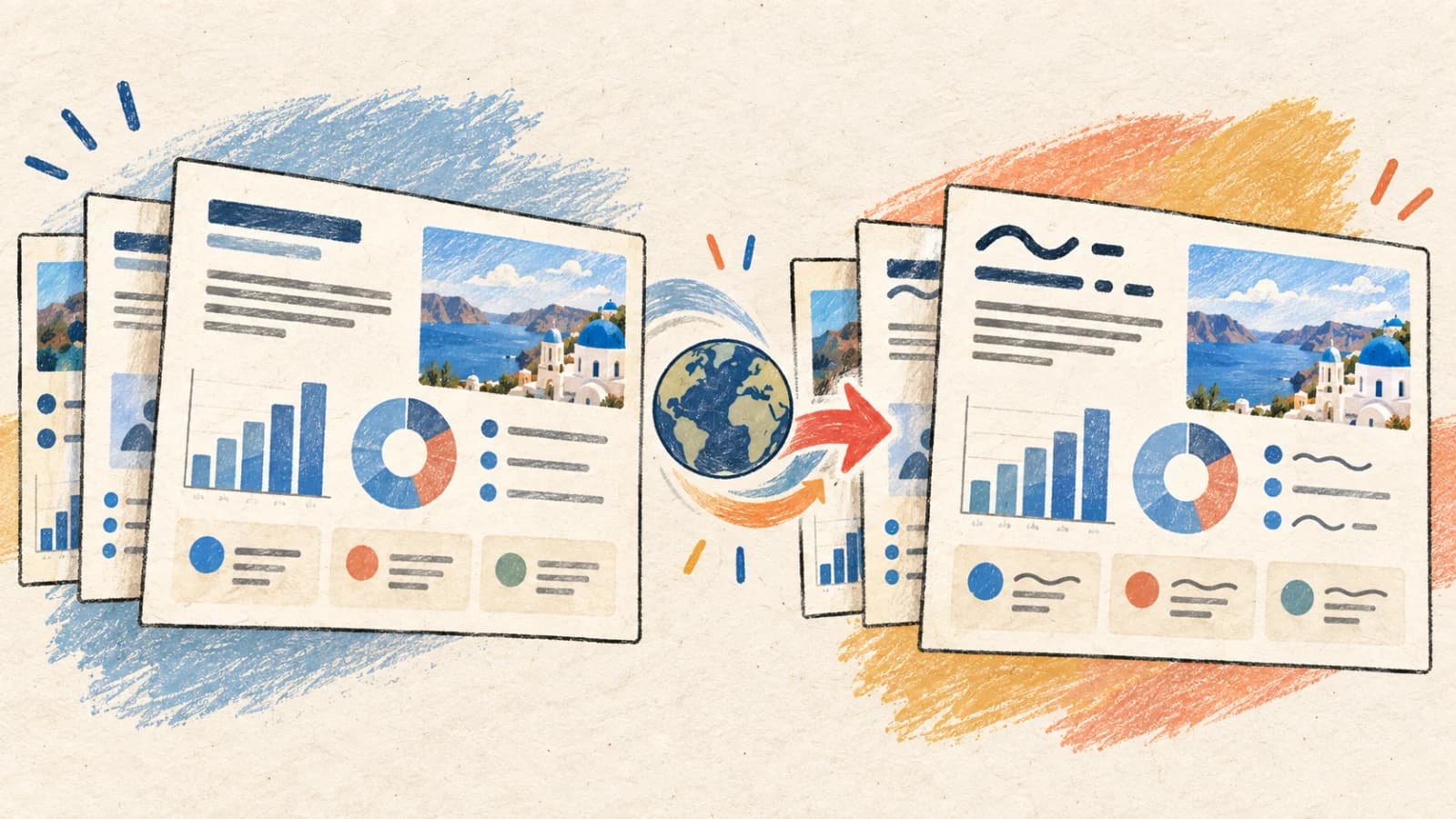
How to Translate a PowerPoint Without Changing the Layout
Learn how to programmatically translate presentation decks, adjust for layout expansion, and manage speaker notes without manual re-typesetting.
Sep 21, 202612 min read
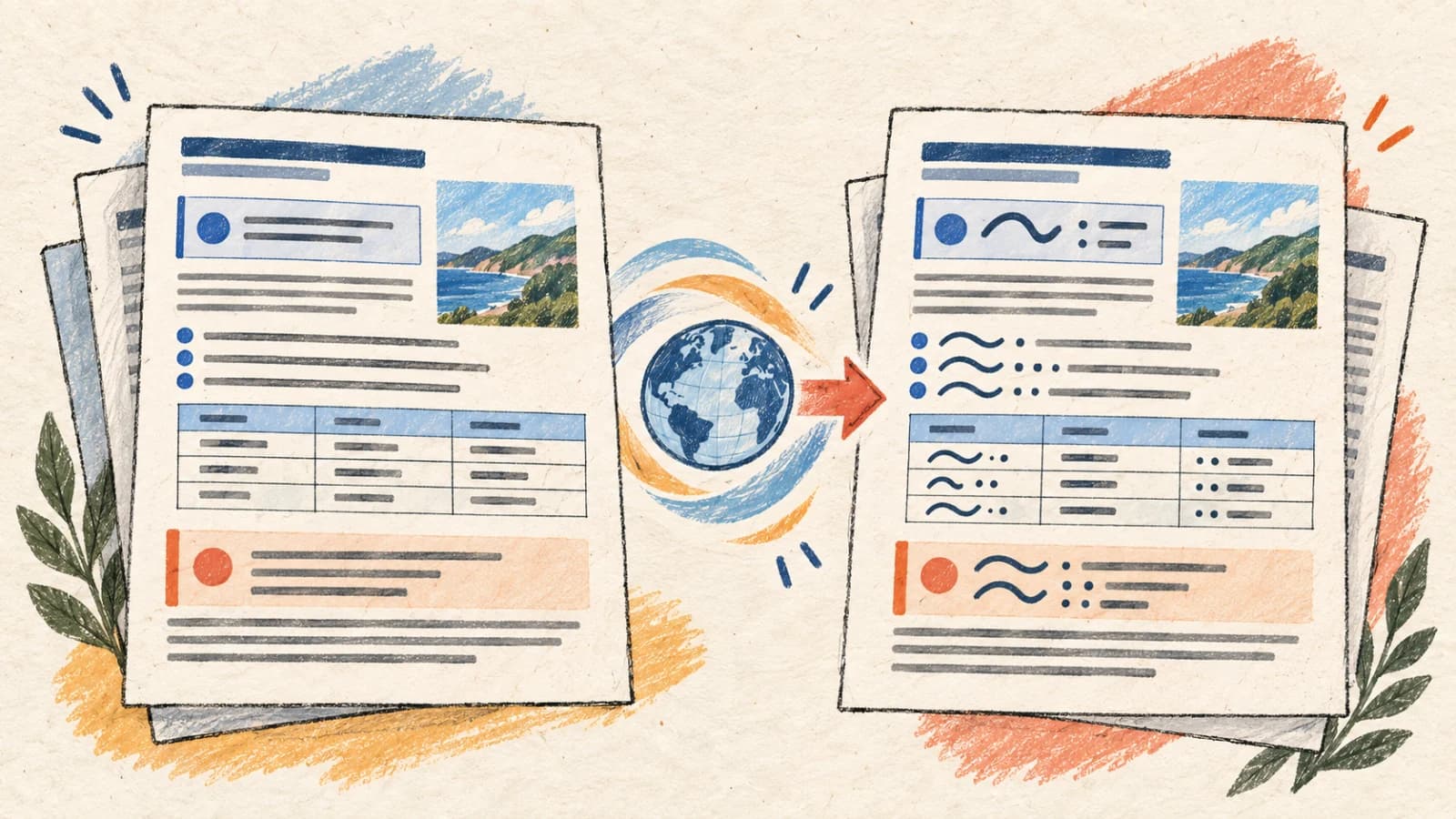
How to Translate a Document Without Losing Formatting
Learn how to programmatically translate structured document files using AST-aware parsing, clean tracking history, and managing layout expansion.
Sep 21, 202612 min read
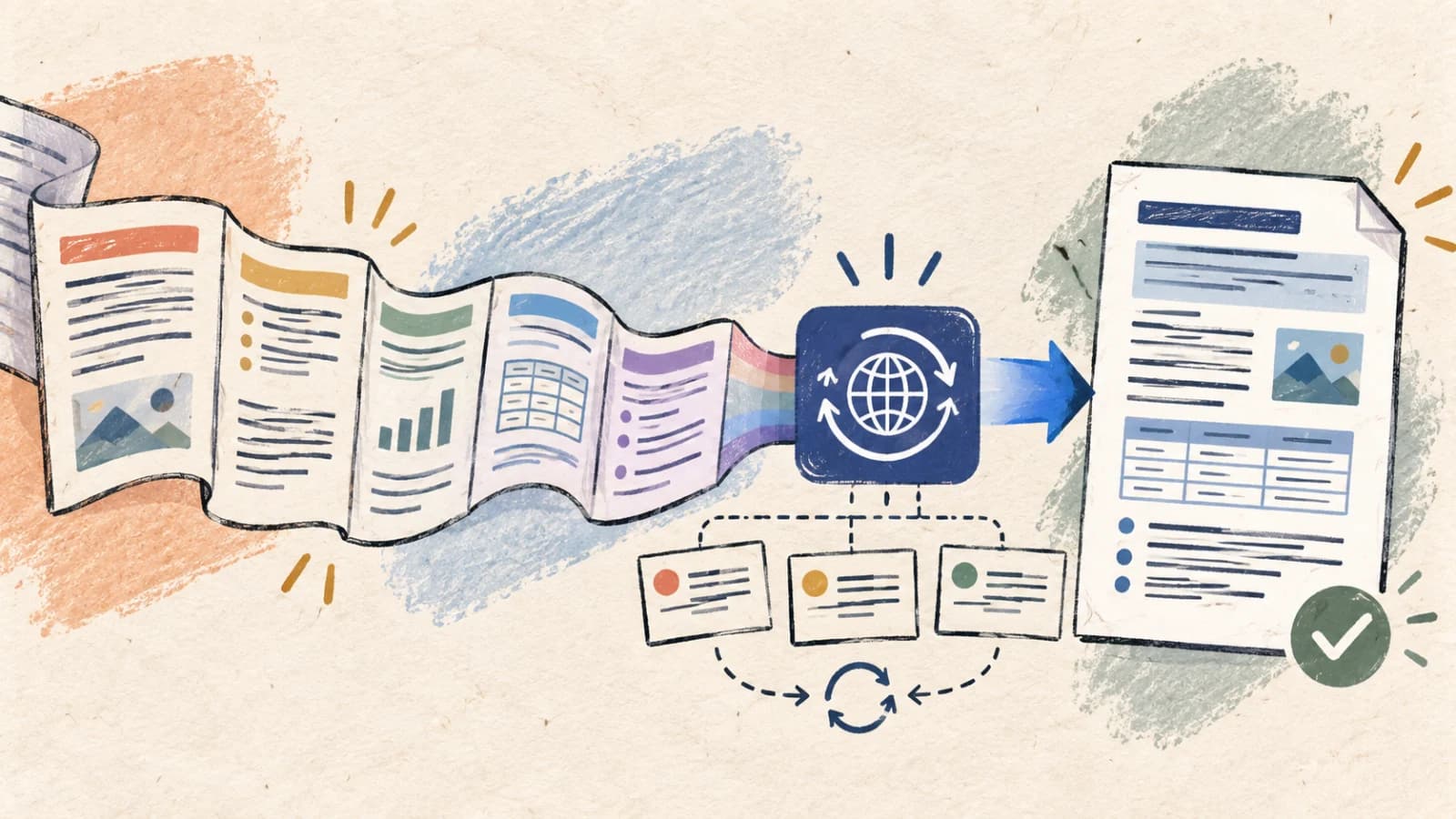
How to Translate Long Text Accurately With AI
Learn how to translate long articles, reports, and books accurately using semantic chunking boundaries, translation memory, and target-language audits.
Sep 21, 202611 min read
Translation tools
Keep the source format working for you
Start with the translator built for your file instead of flattening every project into plain text.
Image Translator
Translate screenshots, product images, posters, menus, and other visuals while keeping the result usable.
Open tool →2PDF Translator
Translate native and scanned PDF files with OCR and selective page ranges.
Open tool →3PowerPoint Translator
Translate editable slide decks, selected slides, and speaker notes.
Open tool →4Document Translator
Translate DOCX, TXT, and Markdown while keeping the content organized.
Open tool →5Text Translator
Translate passages and long-form sections in a clean, interactive workspace.
Open tool →