How to Translate Long Text Accurately With AI
Quick answer For long-text translation, keep a list of approved terms, divide the source at meaningful section boundaries and review terminology across the final result. ImageTranslate handles short passages directly and sends longer text to a background job. Use a file translator if you also need document structure. Fluent output still needs checks for omissions, altered numbers and inconsistent names.
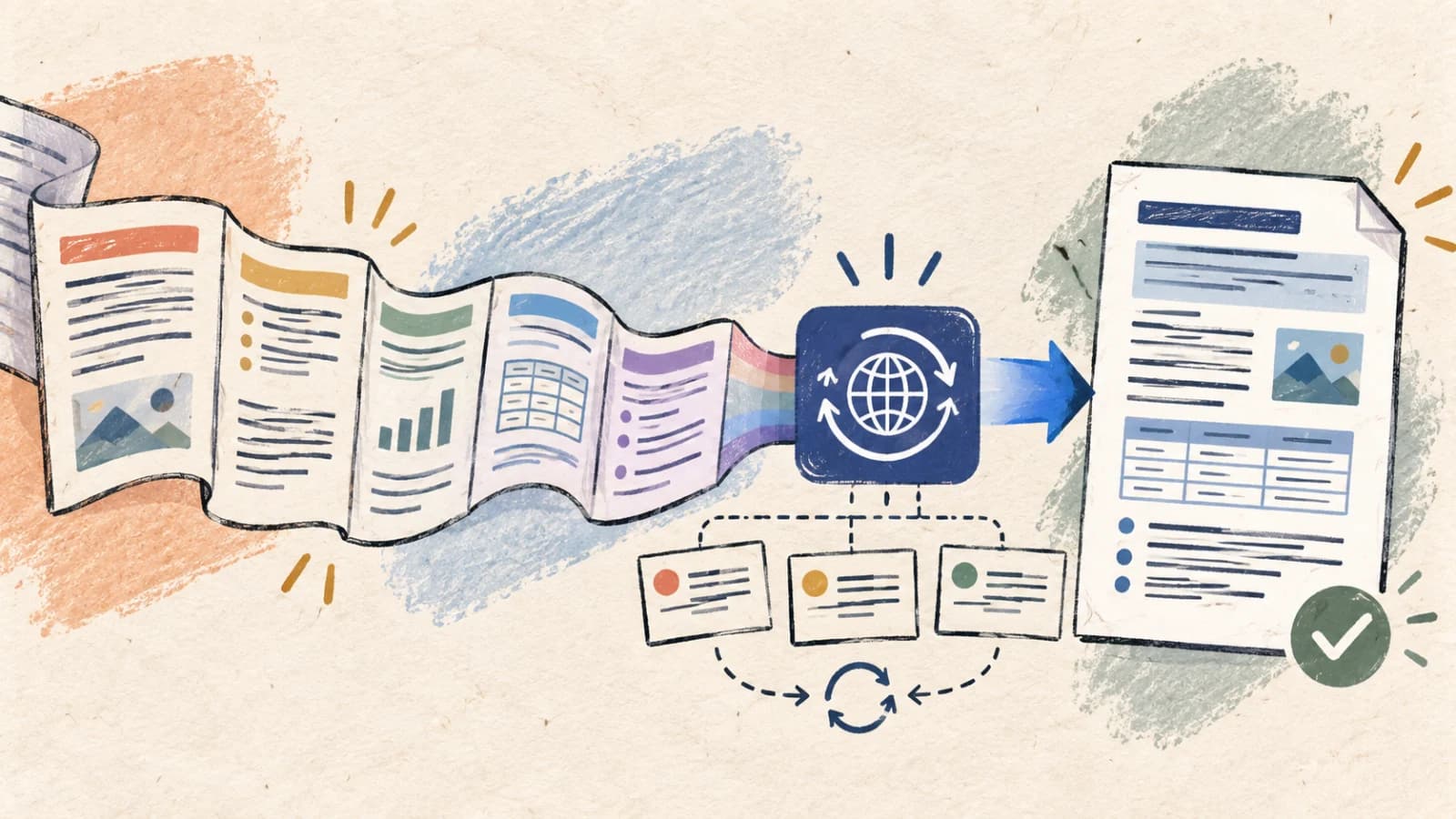
Translating long-form text with AI introduces a major challenge: maintaining consistency across dozens of pages. While modern LLMs can translate a single paragraph with remarkable fluency in seconds, translating long reports, books, or technical manuals often leads to terminology drift, lost contextual links, and inconsistent tone.
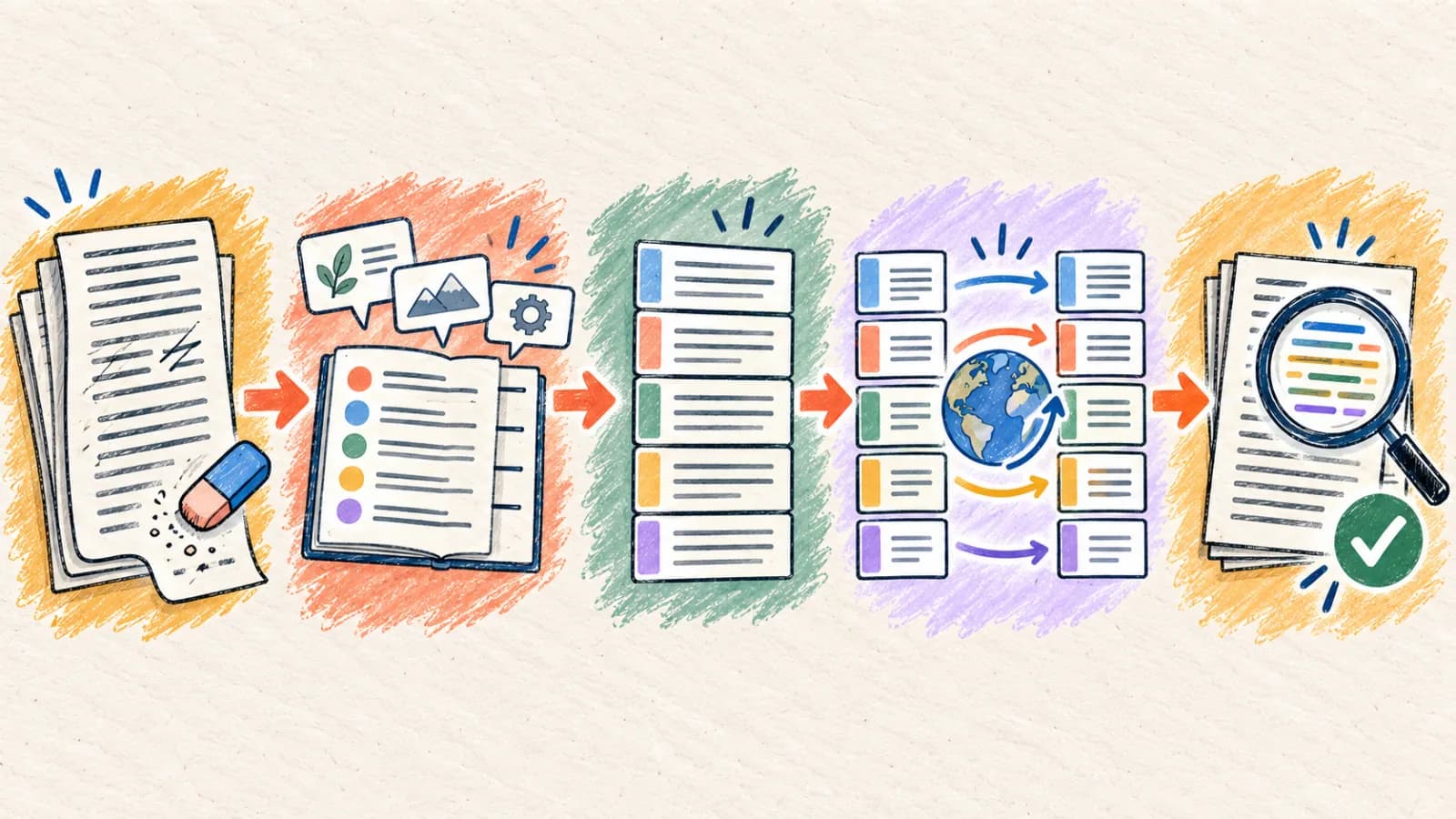
For example, a term defined in the introduction might be translated differently in later chapters, or pronouns can lose their references when sections are translated in isolation. High-quality long-form translation requires a structured workflow: preparing the source, defining terminology glossaries, managing semantic chunk boundaries, and running a final consistency pass.
This comprehensive guide explains why long-form AI translation loses accuracy, outlines four structured translation workflows, details mobile optimization steps, and provides a terminology and style checklist.
Key takeaways
- Translate text in logical semantic sections (like chapters or subheadings) rather than dividing files at arbitrary character-count boundaries.
- Create a bilingual terminology glossary for brand names, technical jargon, and acronyms to maintain consistency across sections.
- Use interactive text translators for short passages and structured document translators when file formatting and styles must be preserved.
- Audit translated content in two independent passes: one for technical numbers and negations, and another for readability and style.
- Perform a final read of the translated text without looking at the source to ensure the phrasing flows naturally in the target language.
Why does long-form AI translation lose accuracy?
Long documents contain complex networks of semantic dependencies between sentences. If these dependencies are broken during processing, translation quality degrades.
Context fragmentation across sections
A pronoun, acronym, or product nickname might be defined pages earlier in the document. If a downstream chapter is processed in isolation, the AI model lacks this context, choosing a plausible but incorrect translation.
Terminology and jargon drift
Many technical words have multiple valid translations in target languages. Without a locked glossary, the AI engine will use different terms in different paragraphs, confusing readers and diluting brand consistency.
Naïve character-count chunking
Basic translation APIs split long files at strict character-count limits. This splits sentences and paragraphs in half, destroying the linguistic context and producing broken, unreadable translations.
Source document ambiguity propagation
Vague phrasing, inconsistent punctuation, undefined abbreviations, and grammatical errors in your source document cause translation models to hallucinate or choose incorrect interpretations.
Accidental translation of placeholders
Long technical documents often contain system variables, HTML tags, or code placeholders (e.g., `{userName}`). Naïve translation models translate these strings, breaking downstream code integration.
Four methods for translating long text accurately
Select your long-text translation approach based on your document's size, formatting requirements, and the level of precision needed.
Method 1: Translate interactively using semantic paragraph chunking
Articles, essays, customer emails, and copy drafts requiring active, real-time editorial refinement.
This is a highly flexible, hands-on workflow. Instead of dumping a massive document into a translator all at once, you translate the content interactively in logical paragraph chunks. This allows you to verify terminology, refine sentence structures, and adjust the tone block by block.
While this method provides outstanding control, it is labor-intensive and best suited for documents under a few thousand words. For longer manuals or books, manual chunking becomes inefficient, and you should transition to automated document translation workflows.
Step by step
- Open the Text Translator and configure your target language.
- Divide your long text into logical, semantic paragraph blocks (avoiding splitting sentences).
- Translate the first section, and set the tone (e.g., professional, instructional) for subsequent blocks.
- Verify that key terms are translated consistently across the paragraph chunks.
- Export the compiled, fully polished translated text.
- Avoid using automatic page-refreshing tools to prevent losing your translated session history.
- Keep a separate scratchpad file open to compile your approved translation segments.
Method 2: Translate using an AST-aware document translator
Long DOCX manuals, ebooks, markdown documentation, and structured policy files where formatting must be preserved.
When you have long files with complex styling (like headings, nested tables, lists, and links), manual copy-paste is impractical. Instead, process the file directly through an AST-aware document translator.
The engine parses the document's structure, extracts the text layers, processes them using sliding context windows to maintain terminology consistency, and re-injects the translations. This keeps your formatting and styles perfectly intact.
Step by step
- Clean your source document by resolving all tracked changes and comments.
- Upload the DOCX or Markdown file to the Document Translator.
- Select the target language and import your custom terminology glossary.
- Execute the translation and download the styled, editable localized document.
- Review the layout, adjusting table column widths and page breaks to handle expanding text.
Method 3: Inject custom terminology glossaries into the translation pipeline
Technical specifications, legal contracts, and localized marketing copy requiring strict term uniformity.
To ensure absolute uniformity across long documents, you must decouple terminology management from the translation model. First, identify key industry terms, brand names, and acronyms in your source file, and create a bilingual glossary table.
When you process the document, import this glossary into the translation engine. The system automatically prompts the translation model to use your approved terms, eliminating terminology drift and ensuring professional consistency.
Step by step
- Scan your source document to identify key technical terms and brand acronyms.
- Create a bilingual glossary spreadsheet mapping source terms to approved translations.
- Upload your glossary to our translation portal before processing your files.
- Run the document translation, and verify that the engine enforced your glossary mappings.
- Save and reuse the glossary for future localization updates.
Method 4: Implement a dual-pass professional review workflow
High-stakes publications, corporate annual reports, financial audits, and public-facing product documentation.
For high-value corporate documents, automated systems should be used to generate your first translation draft. For important documents, consider separate terminology and meaning reviews by qualified native-speaking professionals.
The first review pass focuses on translation accuracy, confirming that technical terms, numbers, and negative statements are mapped correctly. The second pass focuses on style and readability, ensuring the text flows naturally and matches your brand's tone guidelines.
Step by step
- Generate your initial translation draft using our automated Document Translator.
- Have a native linguist run a technical audit to verify numbers, names, and glossary terms.
- Have a copy editor perform a second pass to refine the style, tone, and readability.
- Apply all corrections to your master localized document file.
- Archive the approved document and update your translation memory databases.
How to translate long text on mobile devices
Reviewing and translating long text on mobile devices is highly convenient for business travel. Instead of using heavy desktop applications, utilize responsive browser-based translation tools that can process files directly in the cloud.
When reviewing long documents on a smartphone screen, verify that headings and lists remain legible. Use PDF or Markdown formats to ensure files display consistently across different mobile devices.
- Open our Text Translator inside your smartphone's web browser.
- Paste your text or upload a document file from cloud storage.
- Select your target language and initiate the translation process.
- Use pinch-to-zoom to inspect paragraphs, bulleted lists, and tables.
- Download and save the high-quality translated text, ready to share.
Determine your long-text translation approach
Map your document's size and editing requirements to the most efficient translation workflow.
| Situation | Best choice | Why |
|---|---|---|
| Translating articles or copy drafts requiring active, real-time editing | Interactive Text Translator | Allows hands-on, paragraph-by-paragraph refinement and immediate terminology adjustments. |
| Translating long DOCX manuals or markdown documentation files | AST-Aware Document Translator | Preserves complex formatting structures, headings, lists, and tables automatically. |
| Translating technical specs requiring strict term uniformity | Glossary-Injected AI Translation | Enforces your custom terminology glossaries automatically to eliminate term drift. |
| Publishing high-profile corporate reports or investor decks | AI Layout Draft + Dual-Pass Review | Combines an automated draft with professional reviews of terminology and meaning. |
Tips for better results
Group content by semantic headings
Always split long documents at clear headings or chapter boundaries rather than arbitrary character limits. This keeps linguistic context intact for the translation model.
Build bilingual terminology glossaries
Create a locked glossary for proprietary brand names, product terms, and technical acronyms to ensure absolute consistency across all pages.
Protect variables and placeholders
Lock system variables (e.g., `{userName}`) and HTML tags inside translation guidelines to prevent the model from translating or malforming them.
Set clear tone and style guidelines
Provide explicit instructions (such as 'professional' or 'casual') to keep the translation model's voice uniform across all chapters.
Verify numbers and negations separately
Scan your translated document specifically to audit prices, dimensions, dates, and negative words (not, never) to catch critical accuracy errors.
Read translated text independently of the source
Run a final reading pass of the translated text on its own. This helps you identify awkward phrasing or logical gaps that were missed during translation.
Clean your source text before processing
Fix spelling mistakes, grammar errors, and run-on sentences in your source document. High-quality input is essential for high-quality translations.
Maintain structured translation memories
Save approved translations in a terminology database. Reusing verified translation strings saves time and lowers processing costs on subsequent updates.
Frequently asked questions
How does the translator maintain terminology consistency across long files?
Our engine processes files using sliding context windows and allows you to inject custom terminology glossaries. The translator reference database prompts the model to use identical terms across all chapters, eliminating terminology drift.
Can I translate books or manuals containing thousands of paragraphs?
Yes, our Document Translator is built to handle large files. It parses documents into structured trees and processes them in parallel streams, making book and manual translation fast and reliable.
What happens if a translation model modifies my system variables or code placeholders?
To prevent this, you should lock code blocks and variables inside your translation guidelines. Our AST-aware parsers automatically identify and protect markdown code syntax and dynamic fields.
How should I handle translations on my smartphone?
Open our browser-based Text Translator, paste your text or upload a document directly from Files, choose your target language, and use pinch-to-zoom to review technical details before downloading.
Why did my translated document increase in page count?
This is a natural result of text expansion depending on the language pair and wording. You can adjust document margins or font sizes to fit your target layout.
Is AI document translation secure enough for confidential business files?
Yes, we use enterprise-grade security protocols. We do not use customer data or uploaded document assets to train AI models, ensuring your sensitive agreements and internal reports remain private.
Scale your translation workflows with absolute consistency
Translating long-form documents successfully requires managing semantic boundaries and terminology glossaries. Paragraph-by-paragraph translation strips context and leads to massive consistency issues.
By leveraging automated AST-aware document translators, importing bilingual glossaries, and planning for language expansion, you can deliver high-impact, professional documents that respect your brand's standards in any language.