
ImageTranslate

Free AI PowerPoint Translator

Keep masters, text boxes, charts, and slide structure intact, with optional speaker-note translation.

Source language
Target language
Translation model

Pick a file first — you will see the credit estimate before anything is charged.

  • PPTX translationTranslate a presentation without rebuilding it slide by slide.
  • Slide structure preservedKeep text boxes, charts, images and masters together.
  • Optional speaker notesInclude presenter notes when they need localization too.
  • Selected slide rangesProcess the full deck or only the slides you choose.

AI PowerPoint translation that keeps the deck editable

Translate PowerPoint files in the browser and return to a PPTX workflow, with slide-level controls for faster review and localization.

Sales and pitch decks - Translated
Sales and pitch decks - Original
OriginalTranslated
Slide-by-slide translation

Sales and pitch decks

Adapt company introductions, product pitches and proposals for prospects in different markets.

Translate text across the presentation while keeping content organized in its original slide sequence.

Illustrative example; results vary with the source, language and model.

Training and onboarding - Translated
Training and onboarding - Original
OriginalTranslated
Speaker-note translation

Training and onboarding

Translate employee training, onboarding presentations and process decks for multilingual teams.

Choose whether to translate presenter notes along with visible slide content for a complete localized deck.

Illustrative example; results vary with the source, language and model.

Lectures and research - Translated
Lectures and research - Original
OriginalTranslated
Masters and objects stay together

Lectures and research

Create readable versions of course slides, conference talks and research presentations while keeping figures in context.

Preserve text boxes, images, charts and slide structure instead of moving content into a plain-text document.

Illustrative example; results vary with the source, language and model.
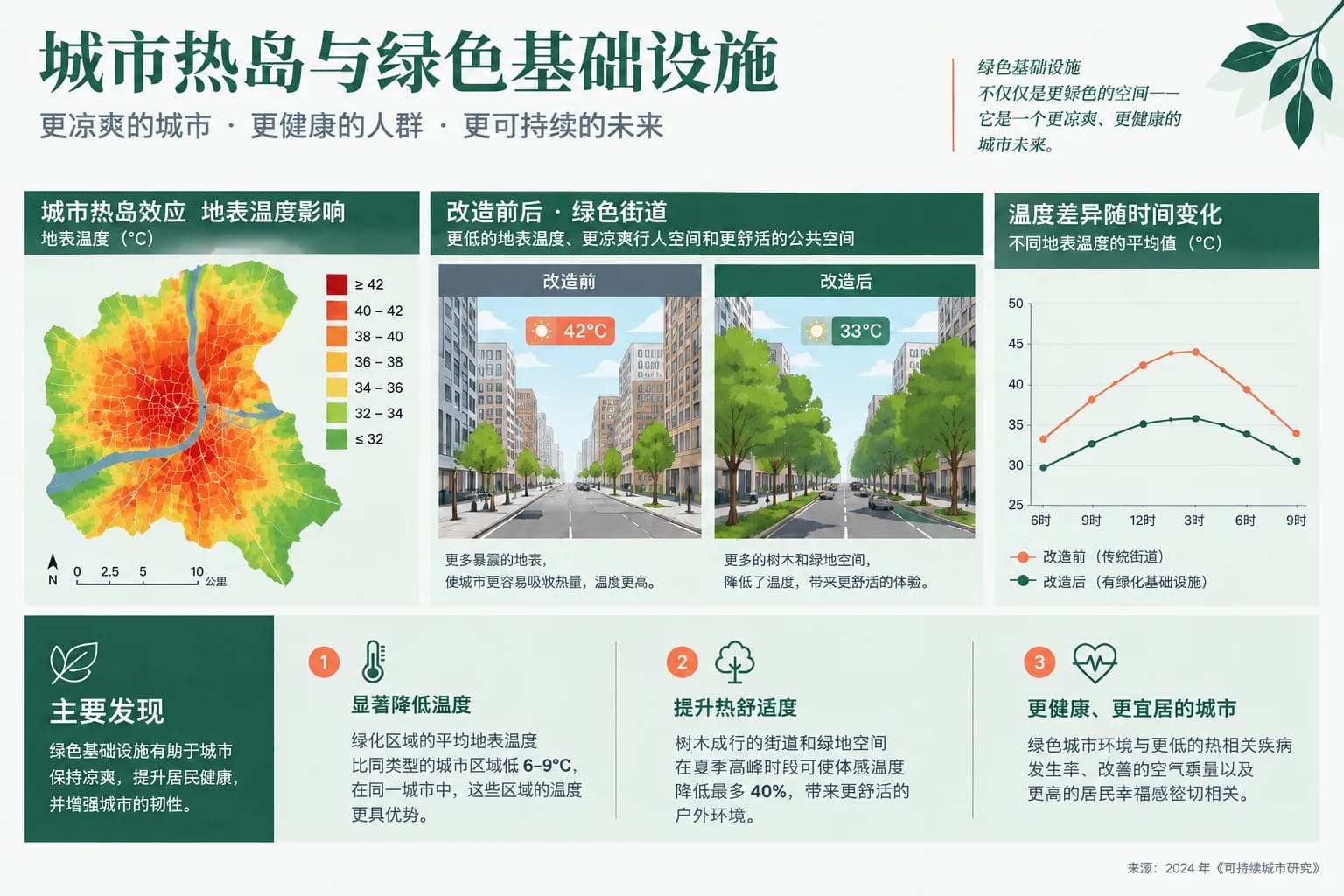
Events and localization - Translated
Events and localization - Original
OriginalTranslated
Translate selected slides

Events and localization

Prepare product launches, webinars and conference decks for regional speakers and audiences.

Use ranges such as 1-5, 9 to localize a section, test terminology or skip slides that do not need translation.

Illustrative example; results vary with the source, language and model.
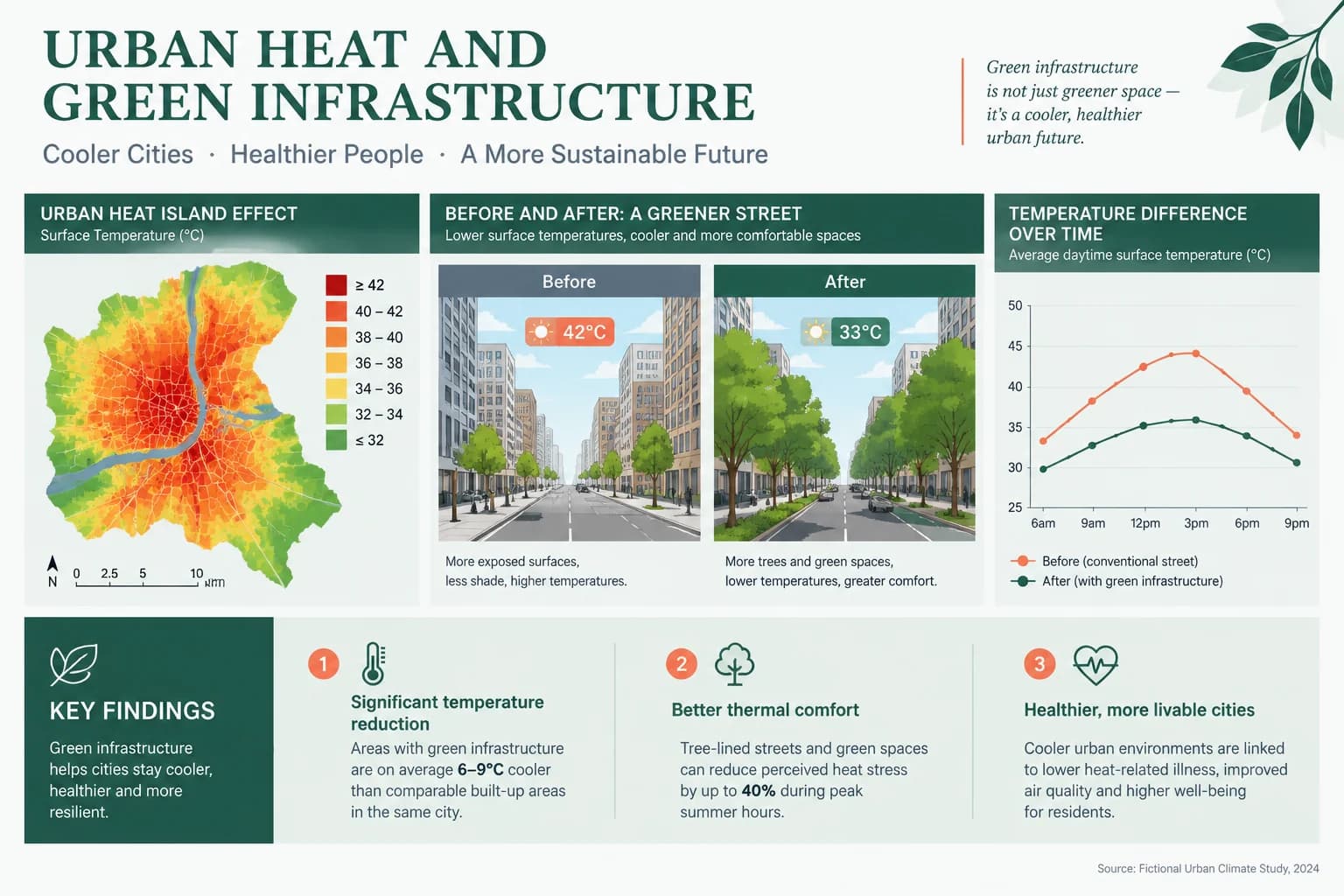
16 supported languages

Use automatic source detection and choose an AI text model for sales, training and academic presentations.

Background job tracking

Large presentations continue processing after submission, with progress and downloads available in My Space.

How to translate a PowerPoint presentation

Upload a PPTX, choose the slide range and decide whether the speaker notes should be included.

01Upload your PPTX file

Drop the presentation into the browser workspace. The file is analyzed before any translation job starts.

02Configure the deck

Choose languages and model, enter an optional slide range and include speaker notes if needed.

03Translate and download

Review the credit estimate, start the job and download the translated PowerPoint when it is ready.

Frequently asked questions

Can I translate a PowerPoint presentation online for free?

Yes. Create a free account and use the included credits to test PPTX translation. Larger decks and ongoing localization may require a paid plan.

Will the translated PowerPoint keep the slide layout?

ImageTranslate keeps the slide sequence and aims to preserve text boxes, images, charts and slide structure. Because translated text can change length, crowded slides should receive a final visual review.

Can it translate PowerPoint speaker notes?

Yes. Turn on the speaker-note option when presenter notes need to be translated together with the visible slide content.

Can I translate only selected slides?

Yes. Enter individual slide numbers or ranges such as 1-5, 9. Leaving the range empty translates the full presentation.

Which PowerPoint format is supported?

The online presentation translator accepts PPTX files. Legacy PPT files should be opened and saved as PPTX before upload.

Which languages can I translate a PPTX into?

You can translate PowerPoint content among 16 popular languages, including English, Chinese, Japanese, Korean, Spanish, French and German. Automatic source detection is also available.

How is PowerPoint translation priced?

The workspace estimates credits after it analyzes the presentation and your options. You see that estimate before the job is submitted.

Localize your PowerPoint without starting over

Upload a PPTX, select the slides and target language, then download a translated presentation.

PowerPoint translation vs translating text boxes by hand

A generic translator can translate the words, but it does not manage slide order, notes or the finished presentation file.

PowerPoint translation vs translating text boxes by hand
CompareImageTranslateManual slide translation
WorkflowOne PPTX upload and one translation jobOpen, copy and replace each text box
Slide structureObjects remain organized in the deckFormatting can shift during manual replacement
Speaker notesOptional note translation in the same jobNotes require a separate pass
Large decksSelect ranges and track a background jobRepeat the process slide by slide

How to prepare a presentation for translation

Start with the original PPTX rather than a PDF export whenever possible. A PowerPoint file retains the slide objects and text boxes that make the deck editable, giving the translation workflow more structure than a flattened page image.

Check the slide range before submitting. If only the customer-facing section needs localization, translating selected slides can save time and credits. Decide whether speaker notes are part of the deliverable too; they are often essential for training decks and presenter handoffs.

Translated phrases can expand, especially when moving from compact languages into English, German or French. After download, review crowded titles, charts and narrow labels in PowerPoint. The translated deck remains a working file, so your team can make final brand and typography adjustments.