ImageTranslate

Free AI PDF Translator

Translate native or scanned PDFs while preserving page order, layout, images, and selectable text whenever possible.

Source language
Target language
Translation model

Pick a file first — you will see the credit estimate before anything is charged.

  • Native and scanned PDFsTranslate selectable text or run OCR on scanned pages.
  • Layout-aware outputKeep page order, images and document structure together.
  • Choose page rangesTranslate the whole PDF or only the pages you need.
  • Background processingLong jobs continue safely after they enter the queue.

Translate PDFs without rebuilding every page

The online PDF translator combines text translation, optional OCR and a downloadable file workflow for reports, manuals, papers and scanned documents.

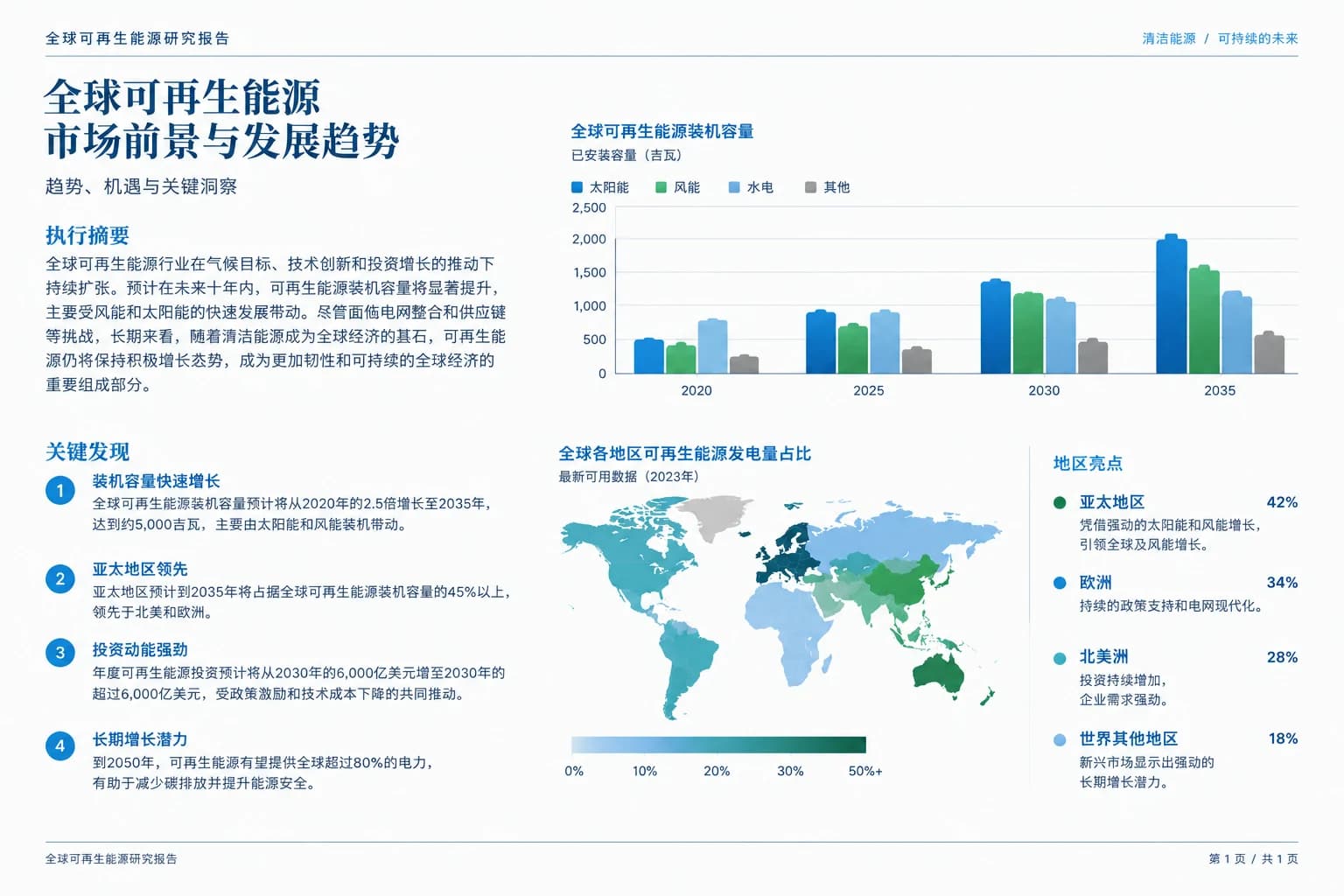
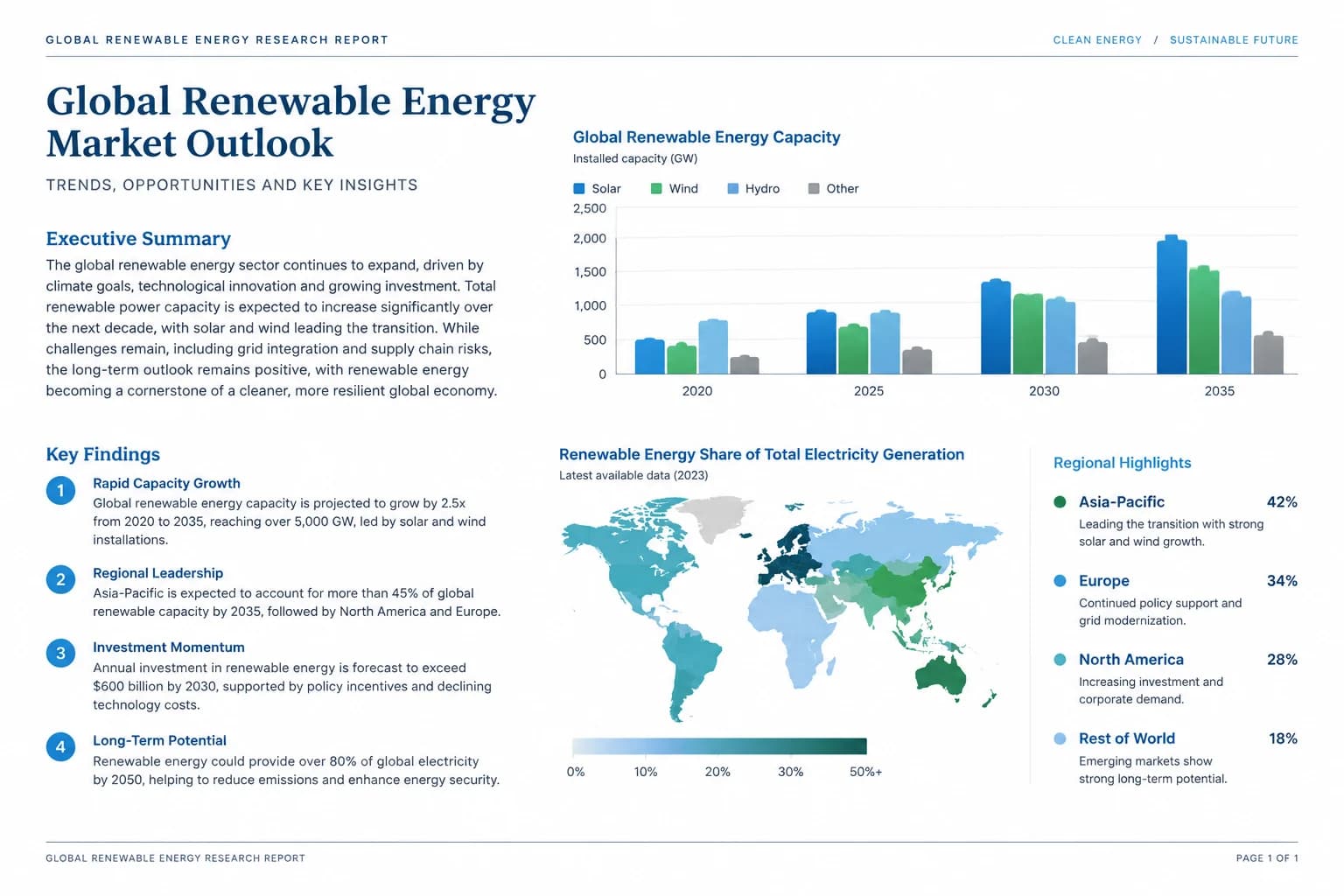
Research papers and reports - Translated
Research papers and reports - Original
OriginalTranslated
PDF-in, PDF-out workflow

Research papers and reports

Translate articles, white papers and market research while keeping charts, captions and page order together.

Upload a PDF and download the translated output from the same workspace instead of copying each page into a separate editor.

Illustrative example; results vary with the source, language and model.
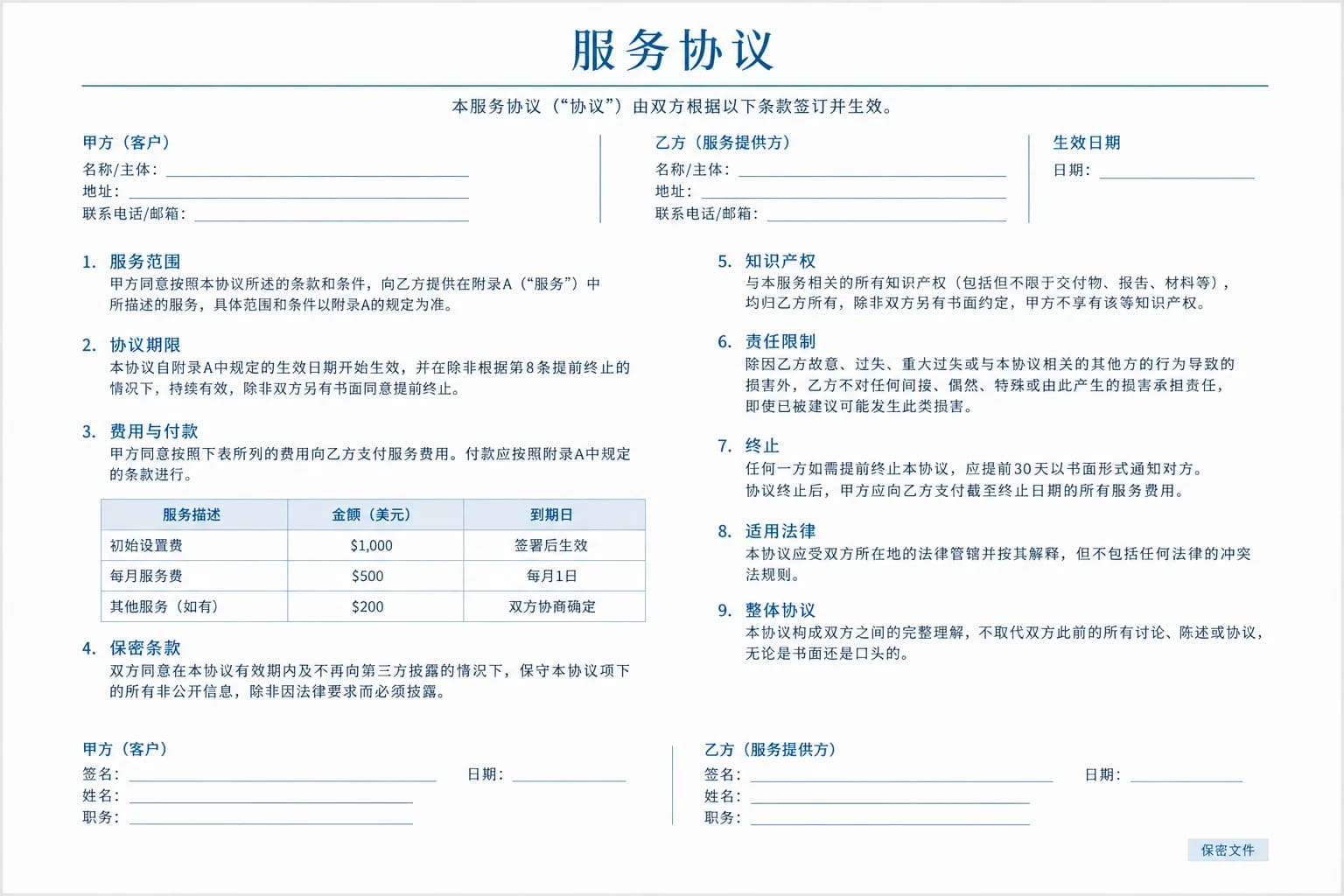
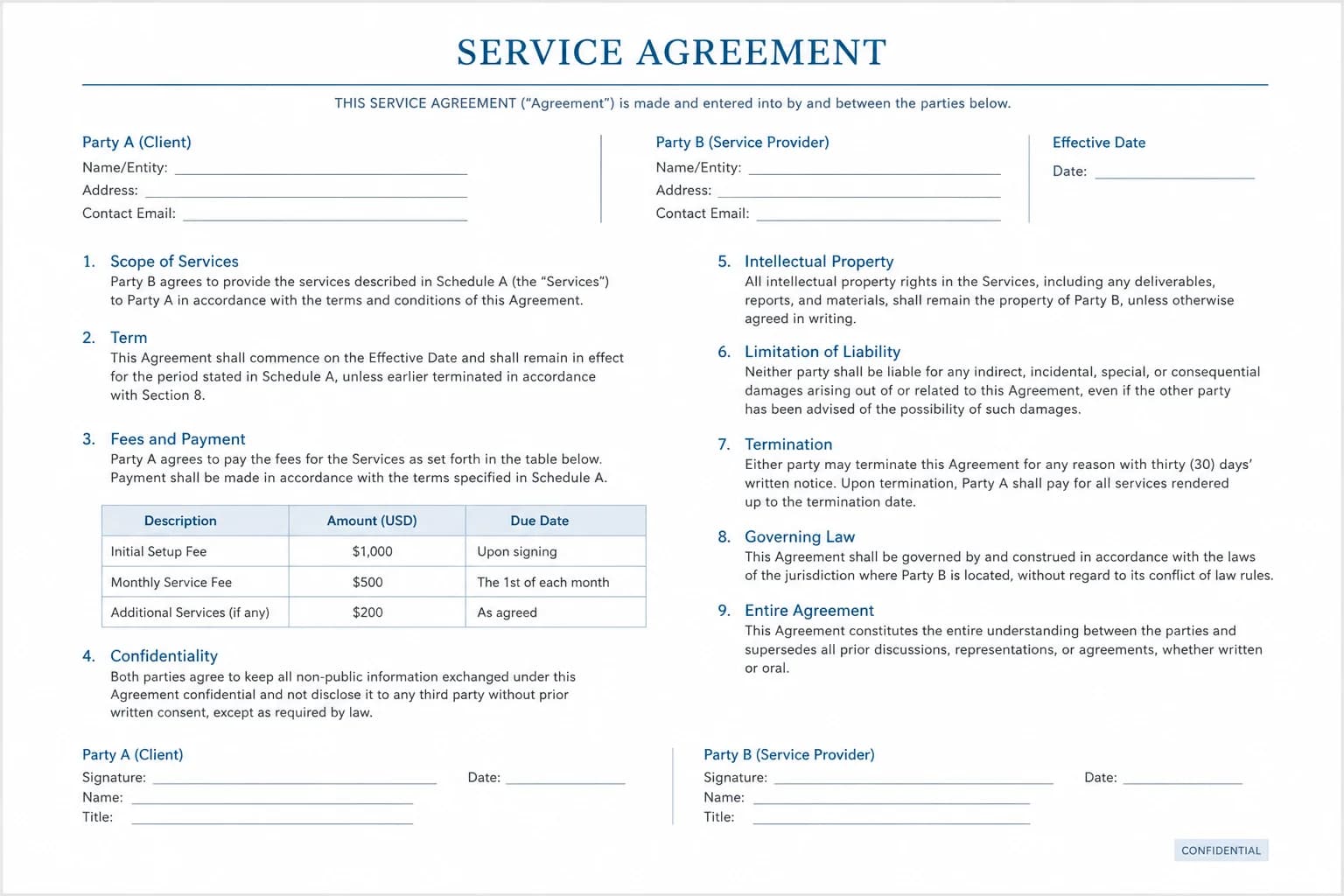
Contracts and business files - Translated
Contracts and business files - Original
OriginalTranslated
Page structure preserved

Contracts and business files

Create a working translation of agreements, proposals, invoices and policy documents for review across teams.

Keep page order, text blocks, images and document structure together wherever the source format allows.

Illustrative example; results vary with the source, language and model.
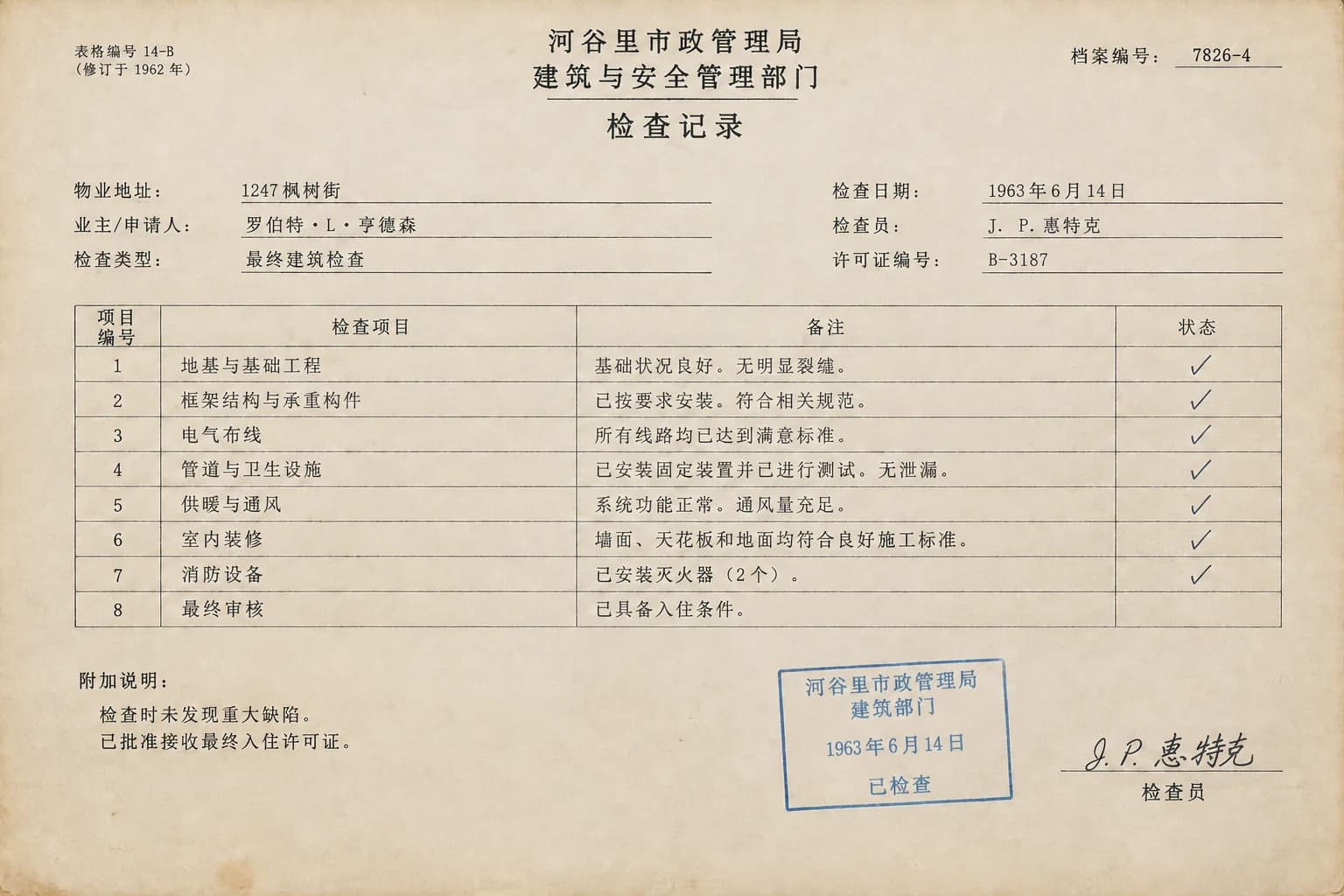
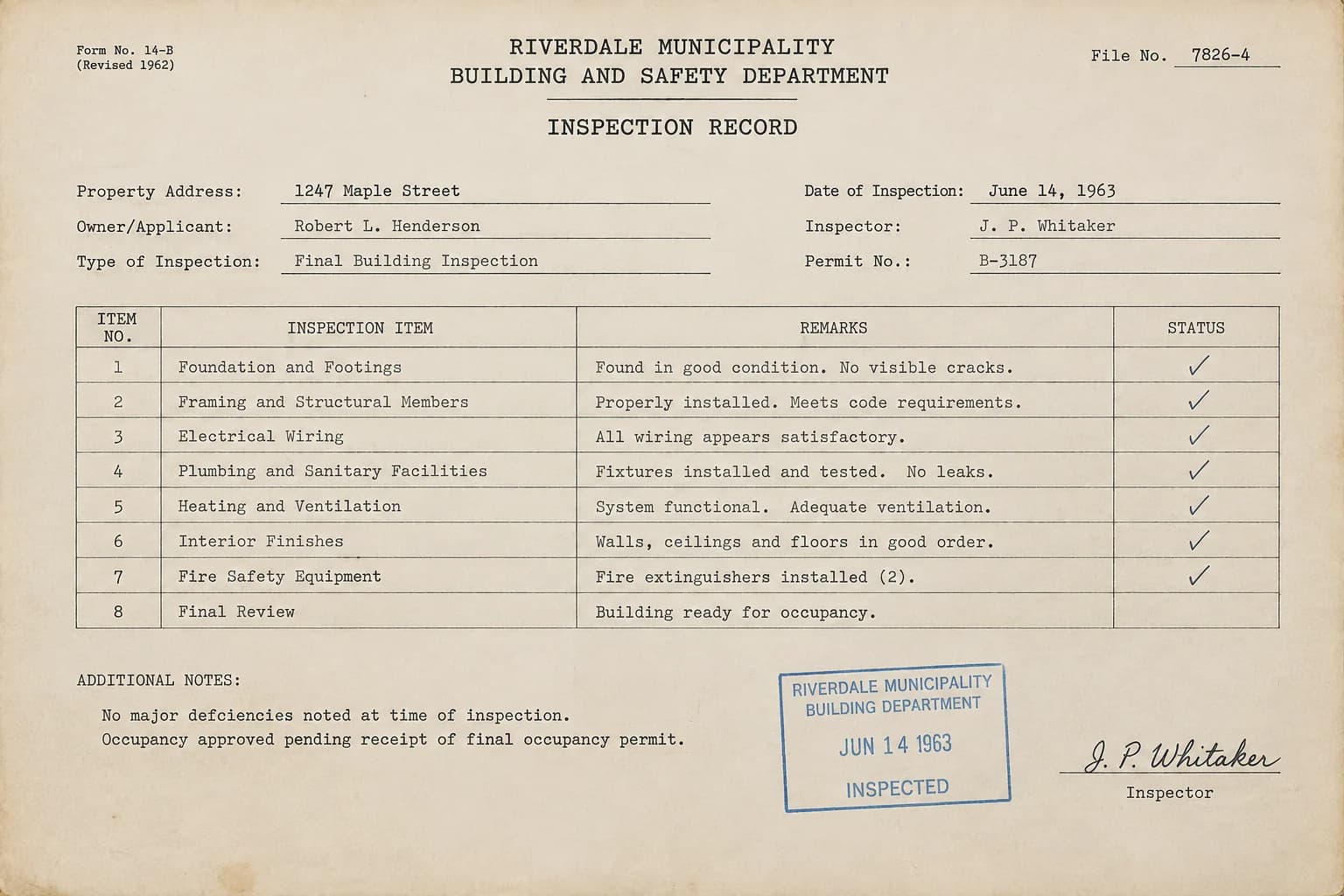
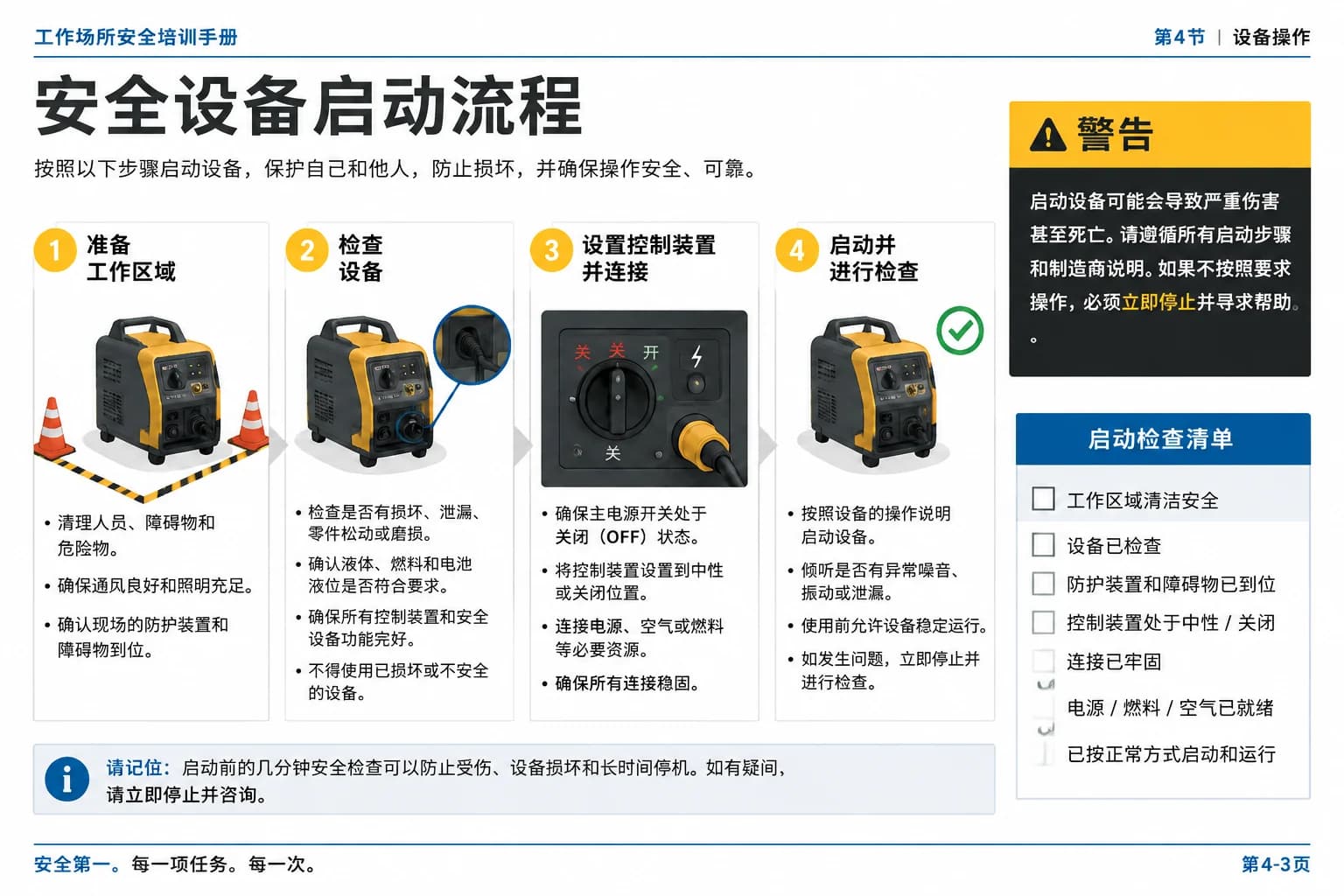
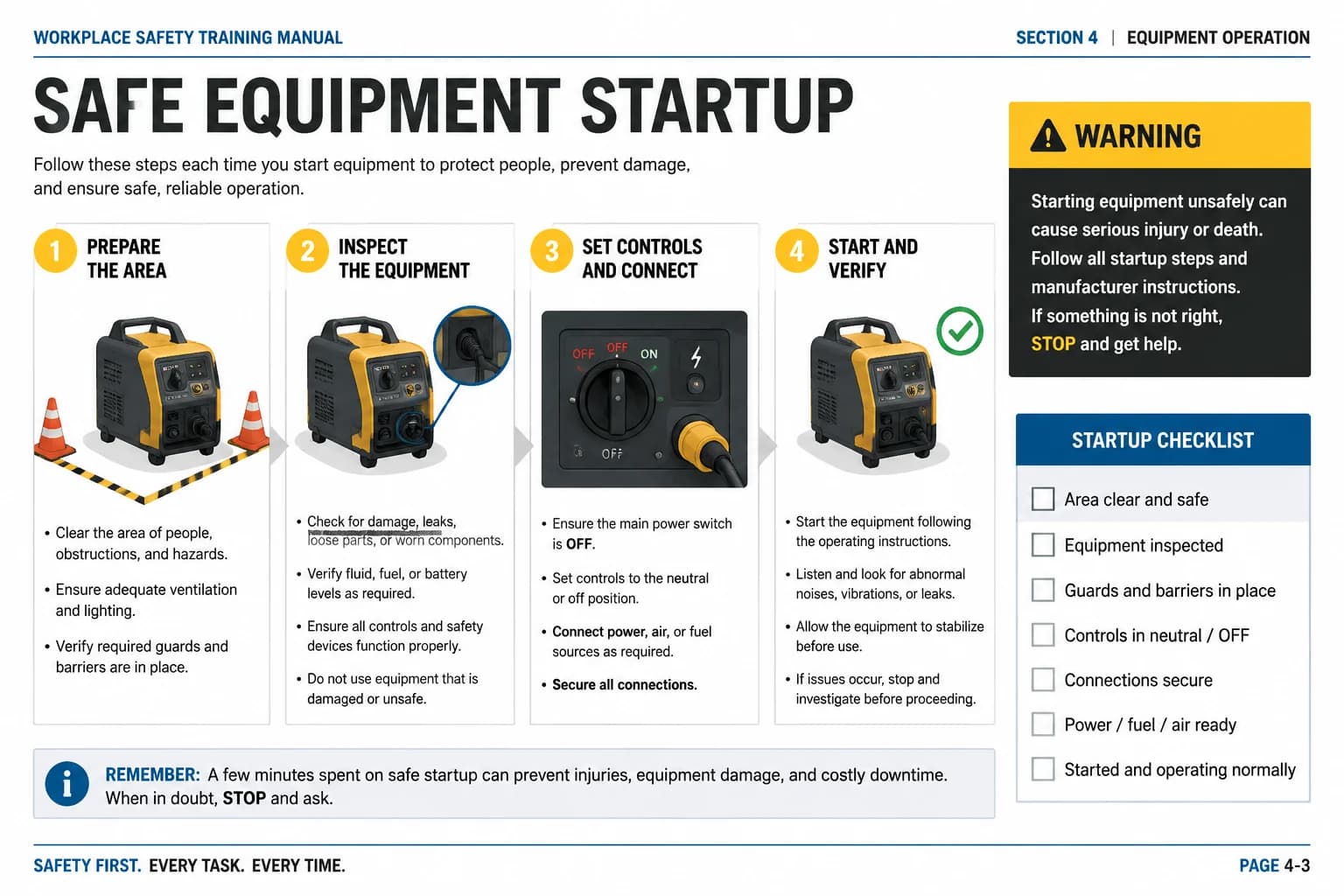
Manuals and training material - Translated
Manuals and training material - Original
OriginalTranslated
Flexible page selection

Manuals and training material

Localize product manuals, onboarding guides and course handouts without splitting the source into individual pages.

Enter a range such as 1-3, 7 to translate selected pages, reduce processing time and control credit usage.

Illustrative example; results vary with the source, language and model.
Scanned archives - Translated
Scanned archives - Original
OriginalTranslated
OCR for scanned PDFs

Scanned archives

Run OCR on scanned reports, forms and records before translating text that has no selectable PDF layer.

Enable OCR when the file contains photographed or scanned pages with no selectable text layer.

Illustrative example; results vary with the source, language and model.
Context-aware AI translation

Choose from multiple AI text models and 16 supported languages for business, academic and technical material.

Track long PDF jobs

Queued translations keep processing in the background and remain available from My Space when the output is ready.

How to translate a PDF online

Translate the full document or a selected range. The workspace shows an estimate before the job is submitted.

01Upload the PDF

Choose a native or scanned PDF. The uploader checks the format, file size and estimated page count.

02Set languages and pages

Select the target language, choose an AI model, enter an optional page range and enable OCR for scanned pages.

03Start and download

Review the credit estimate, submit the job and download the translated PDF when processing is complete.

Frequently asked questions

Can I translate a PDF online for free?

Yes. A free account includes credits you can use to try PDF translation. The number of pages you can process depends on the file, OCR and the credits available on your plan.

Will the translated PDF keep its original layout?

ImageTranslate is designed to preserve page order, text blocks, images and document structure wherever the source PDF allows. Very complex layouts may still need a final human review.

Can the PDF translator handle scanned documents?

Yes. Turn on OCR for image-only or scanned pages. OCR recognizes the text first, then the selected AI model translates it into your target language.

Can I translate only certain PDF pages?

Yes. Enter individual pages or ranges such as 1-3, 7. Translating a smaller selection can reduce processing time and credit usage.

Which languages can I use for PDF translation?

The PDF translator supports 16 popular languages, including English, Chinese, Japanese, Korean, Spanish, French, German and Portuguese. You can also use automatic source detection.

How long does PDF translation take?

Processing time depends on page count, file complexity, OCR and queue load. Large jobs run in the background, so you can return to My Space for the result.

What is the PDF upload size limit?

The PDF size limit depends on your plan. The uploader shows the current limit, and the pricing page compares the limits available on every tier.

Translate your PDF in one browser workflow

Upload a native or scanned PDF, choose the pages and language, then download the translated document.

Online PDF translation vs copy and paste

Copying text into a generic translator can work for a paragraph. It becomes slow and error-prone when the source is a multi-page document.

Online PDF translation vs copy and paste
CompareImageTranslateCopy-paste translation
Document structurePages and file structure stay in one workflowText is separated from the source document
Scanned pagesOptional OCR reads image-only pagesRequires a separate OCR step
Selected pagesTranslate a full file or custom page rangeSelect and repeat page by page
OutputDownloadable translated PDFLoose translated text

Native PDFs, scanned PDFs and OCR

A native PDF contains a real text layer. You can usually select, search and copy its words, which gives the translator a clean source and makes processing more direct. Exported reports, digital contracts, ebooks and office documents are commonly native PDFs.

A scanned PDF is made from page images. Even if the letters look sharp on screen, there may be no machine-readable text underneath. Enabling OCR tells ImageTranslate to recognize the words on those page images before translation. Clear, upright scans with good contrast produce the strongest results.

For large files, translate only the pages you need first. Page ranges make it easier to test terminology, review output quality and control credits before processing the entire document. The estimate shown in the workspace is based on the selected pages and whether OCR is enabled.