ImageTranslate

Free AI Text Translator

Paste or type text, choose the languages, and get a clean translation you can copy — no file required.

Source language
Target language
Translation model
0 characters
Your translation will appear here.
  • Fast paste-and-translate flowGet short translations without preparing a file.
  • 16 supported languagesAutomatic detection plus searchable target languages.
  • Multiple AI modelsChoose the model that fits your language and content.
  • Copy-ready resultCopy the translation directly from the result panel.

A simple AI text translator for real writing

Paste the text, choose languages and receive a clean result in the same browser workspace — useful for quick messages and longer passages alike.

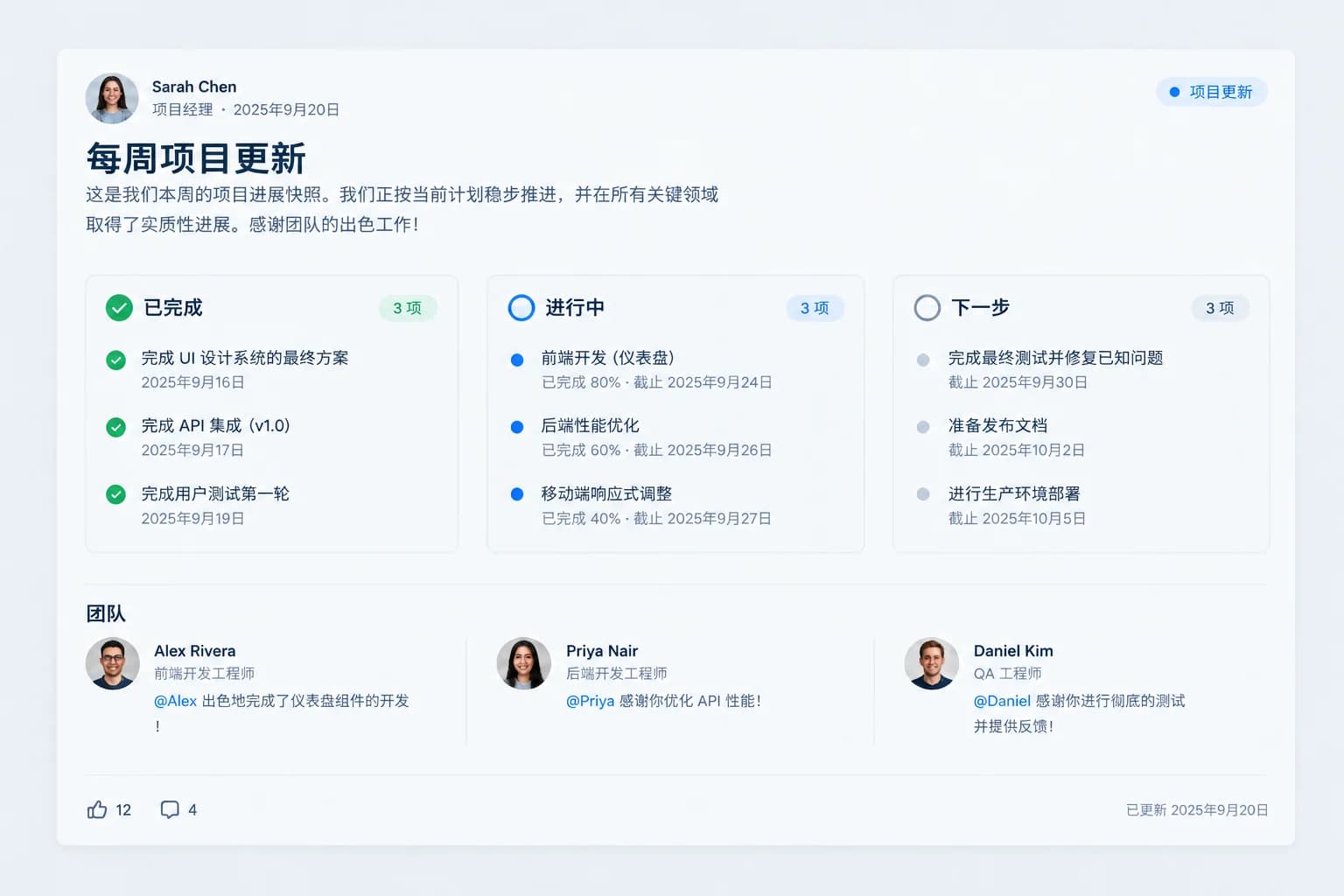
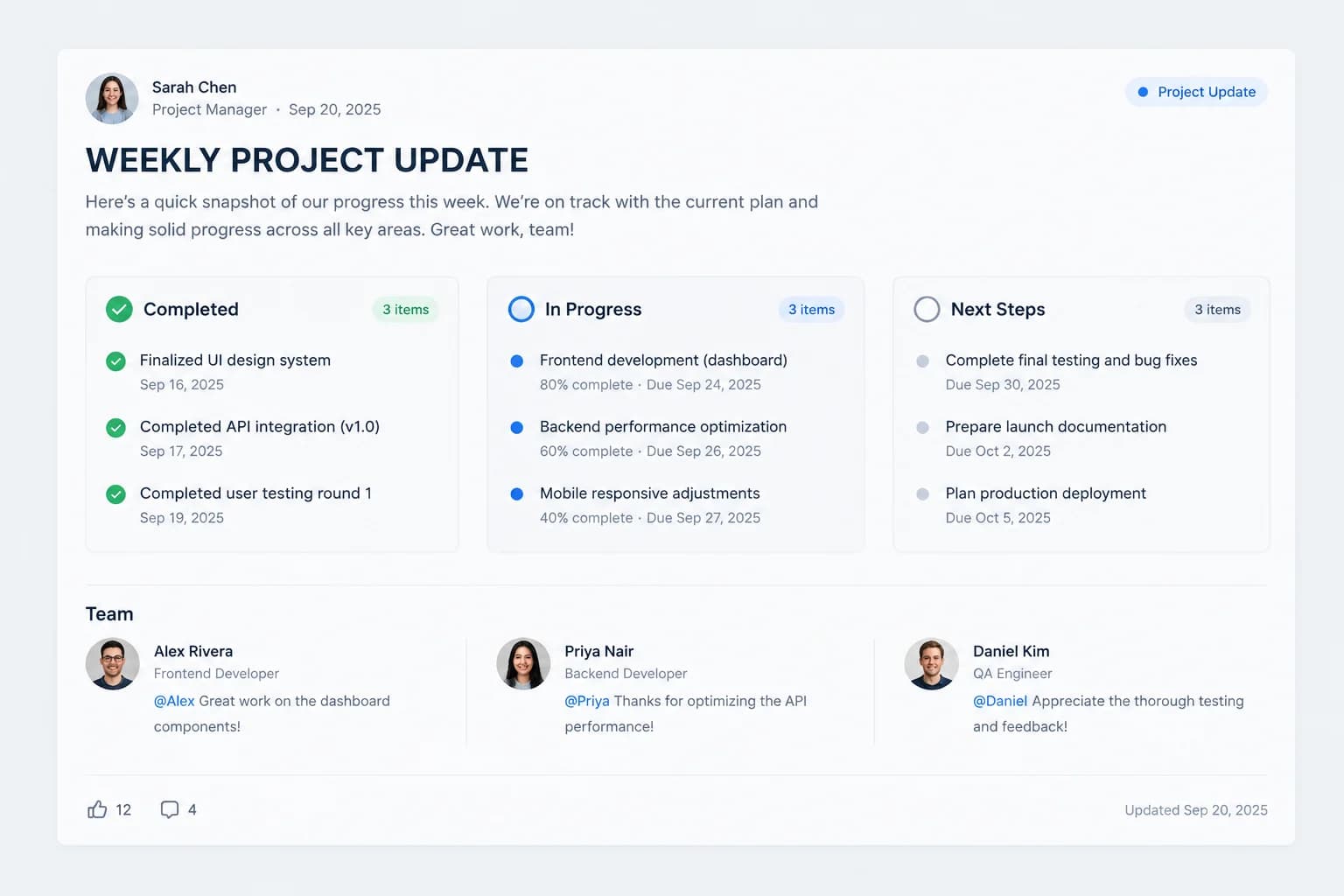
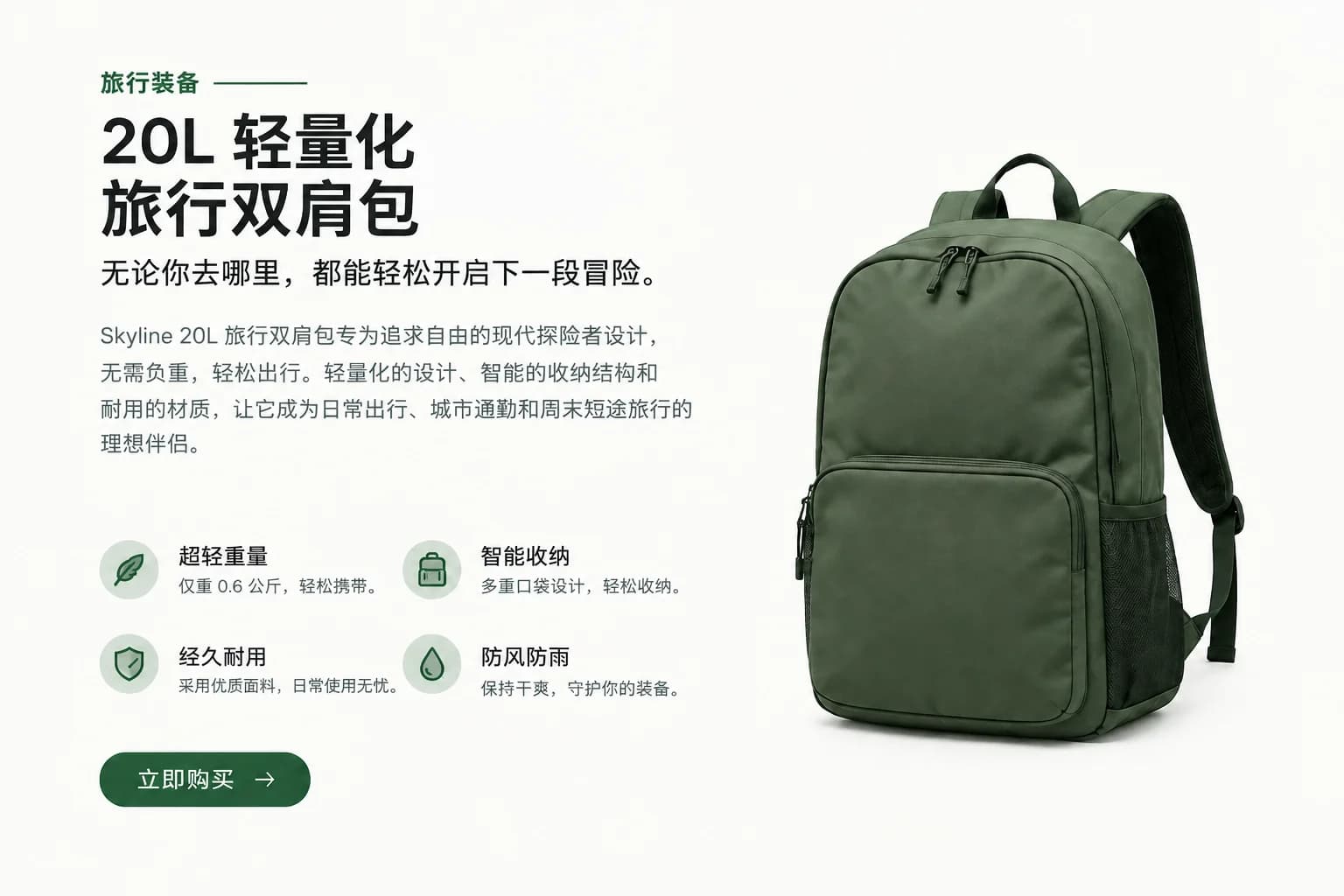
Messages and customer support - Translated
Messages and customer support - Original
OriginalTranslated
No file upload required

Messages and customer support

Translate emails, chat replies, marketplace questions and support messages before sending them.

Type or paste directly into the source panel when you only need the words translated and do not need a formatted file back.

Illustrative example; results vary with the source, language and model.
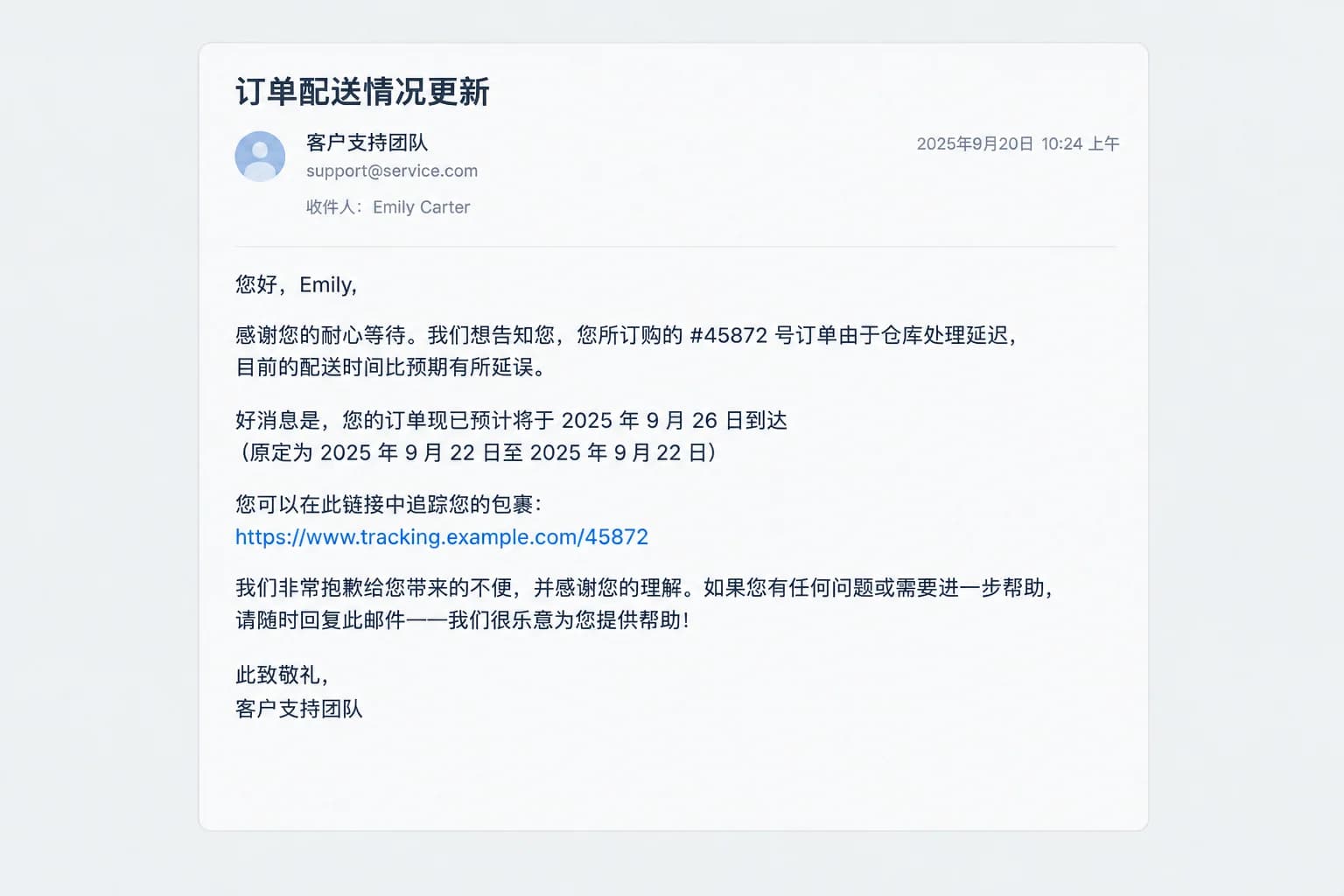
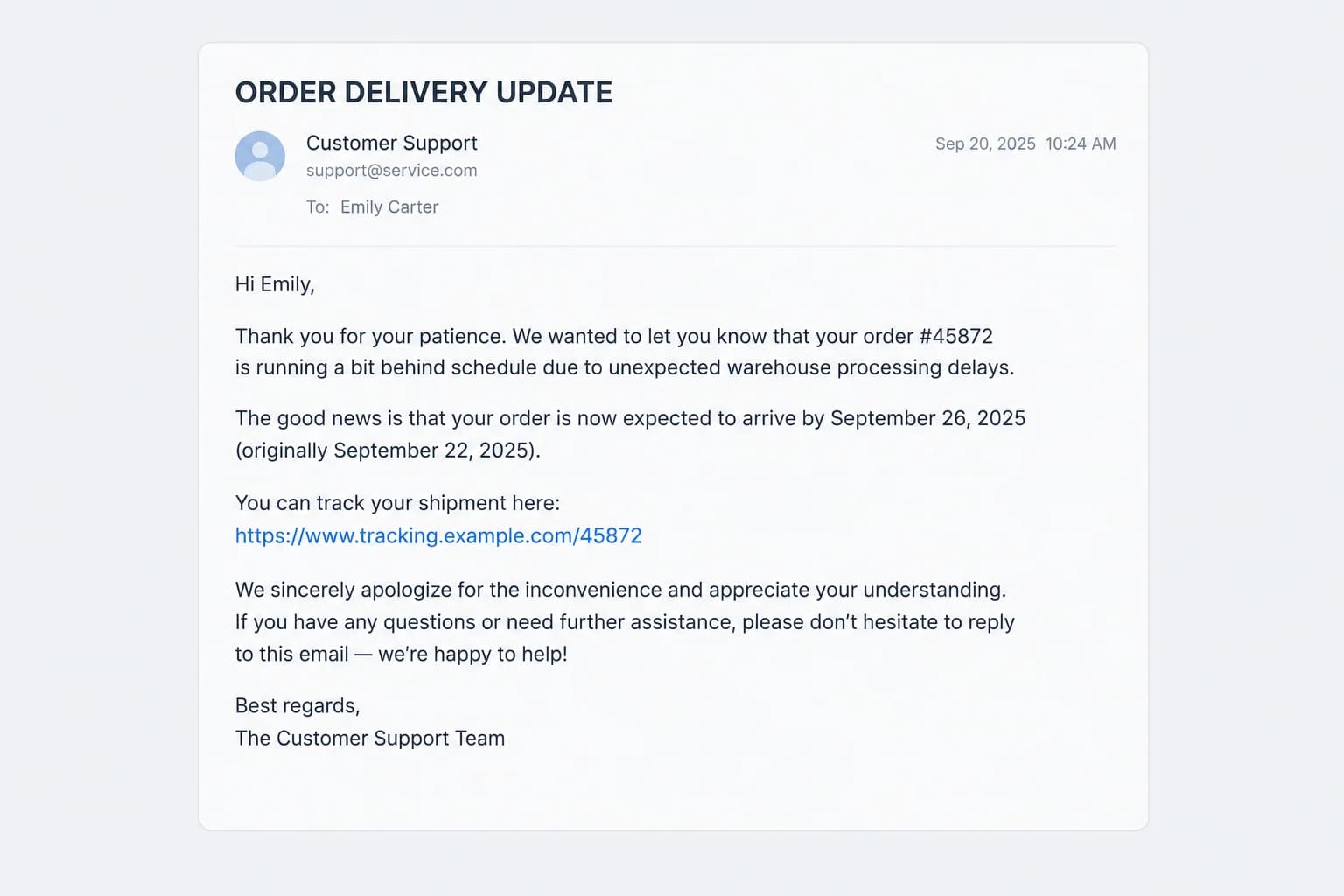
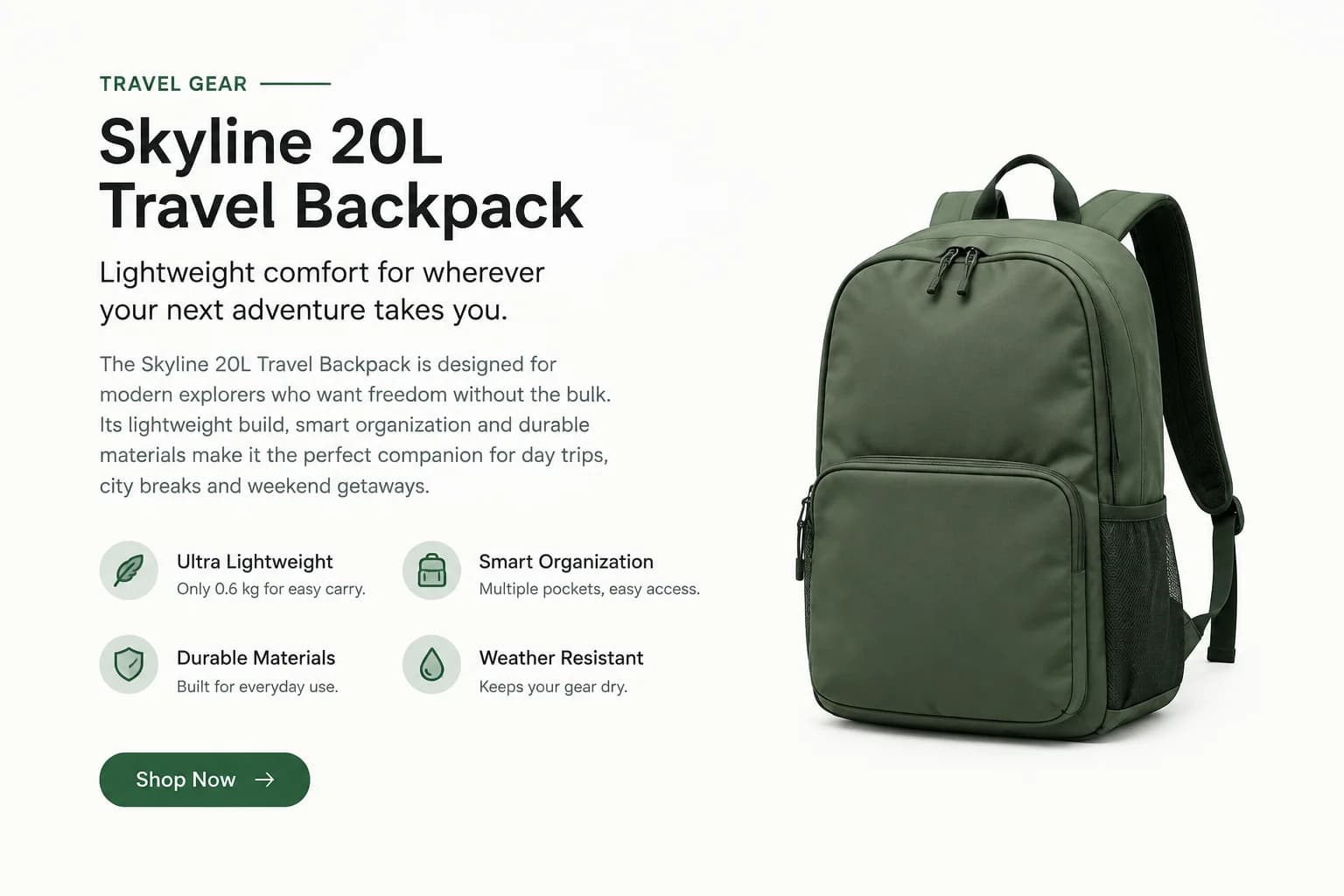
Product and marketing copy - Translated
Product and marketing copy - Original
OriginalTranslated
Context-aware AI models

Product and marketing copy

Create multilingual drafts of product descriptions, captions, ads and landing-page copy for review.

Choose from available models that translate sentences and passages with more context than a word-by-word lookup.

Illustrative example; results vary with the source, language and model.
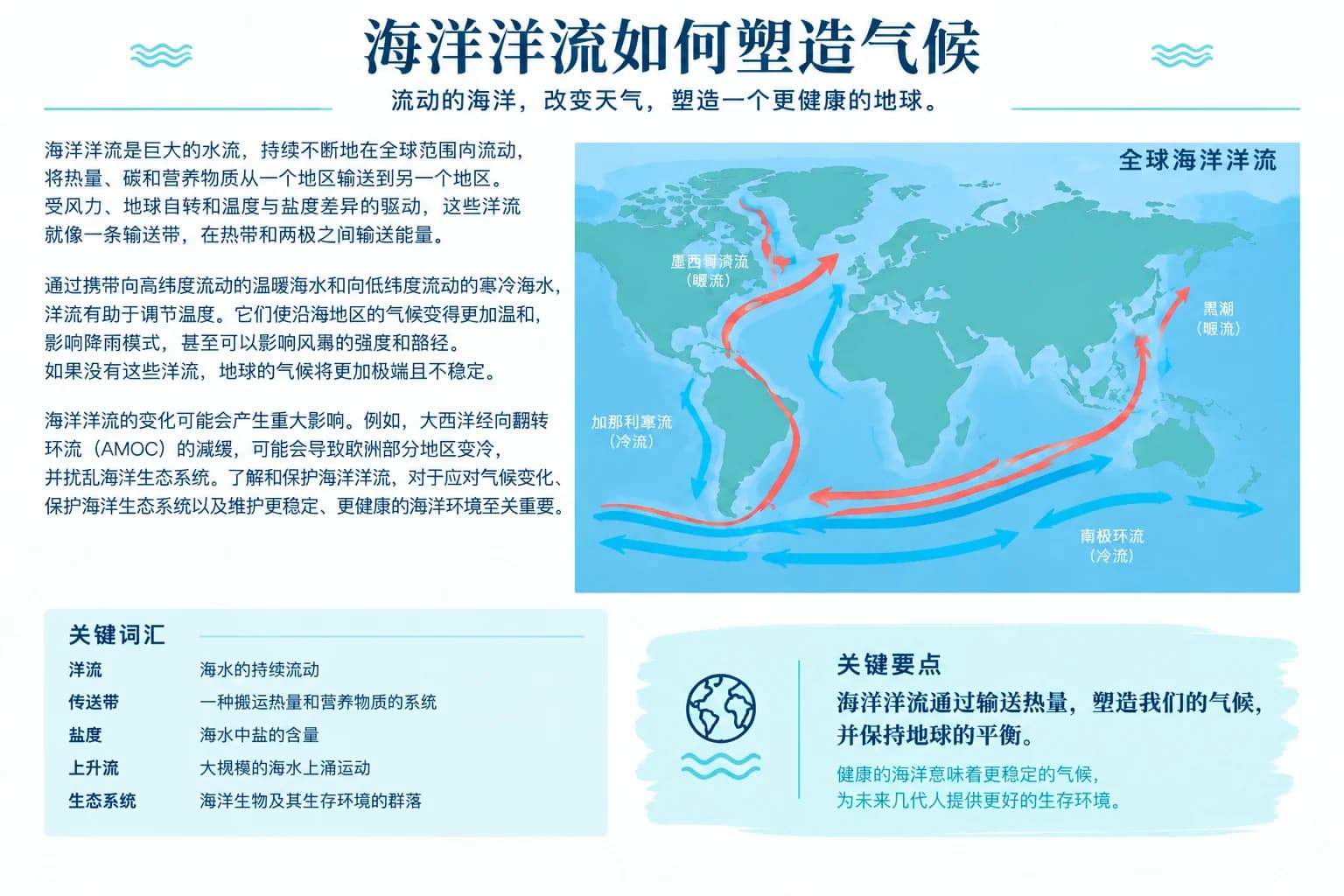
Study and comprehension - Translated
Study and comprehension - Original
OriginalTranslated
Automatic source detection

Study and comprehension

Understand articles, notes and passages in another language without turning them into a separate file first.

Let the tool identify the input language or set it yourself when terminology and language direction need tighter control.

Illustrative example; results vary with the source, language and model.
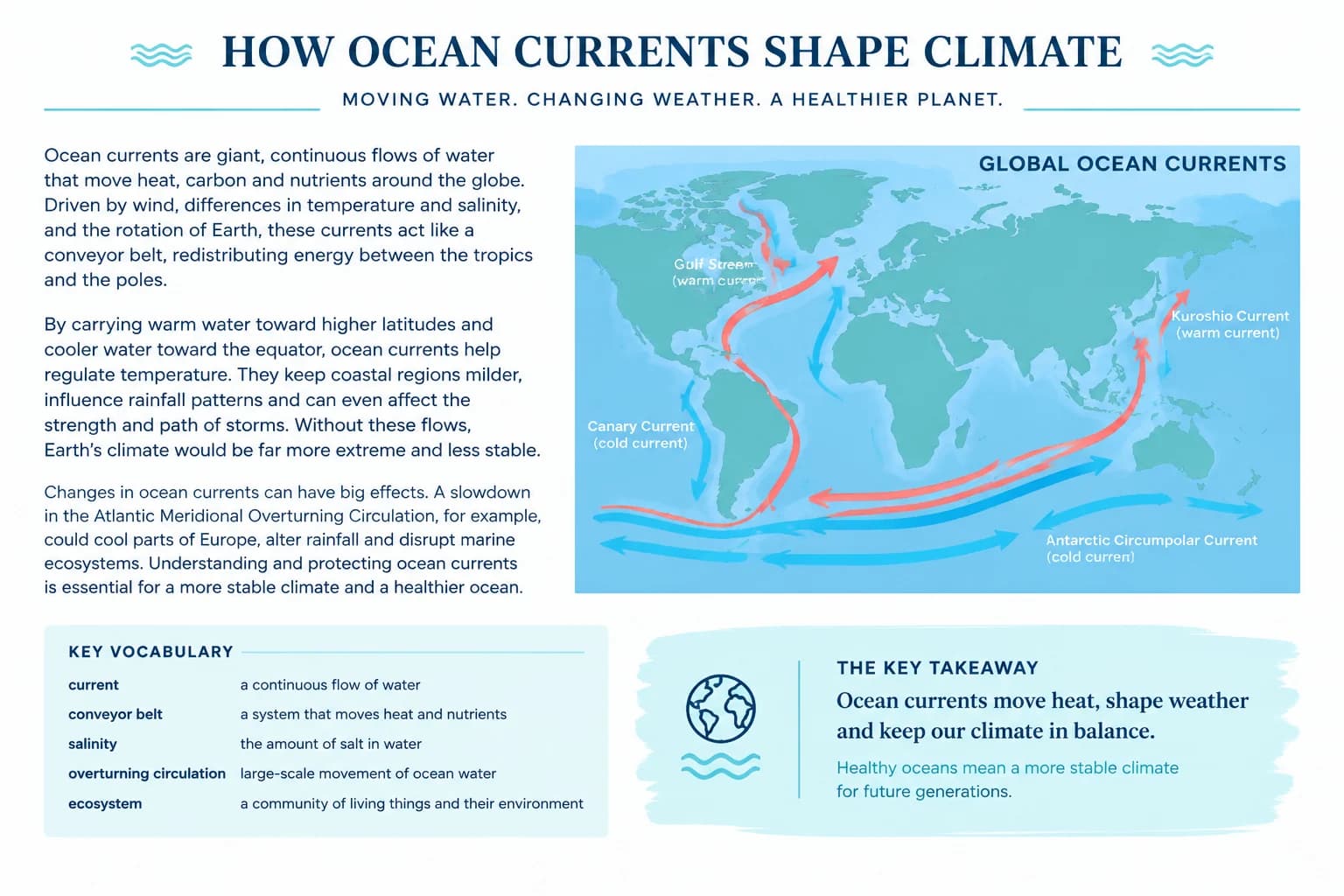
International teamwork - Translated
International teamwork - Original
OriginalTranslated
Clean result panel

International teamwork

Translate meeting notes, task descriptions and short internal updates for distributed teams.

Read the translated output without extra formatting, then copy it directly into email, chat, a document or your CMS.

Illustrative example; results vary with the source, language and model.
Swap language direction

Switch source and target languages in one click when the source language has been set explicitly.

Short and long text workflows

Short passages return inline, while very long text can move through the background translation pipeline.

How to translate text online with AI

Use the text translator when you want a fast answer without preserving the layout of an image, PDF or document.

01Paste or type your text

Add a sentence, message, paragraph or longer passage to the source panel. The character counter updates as you type.

02Choose languages and model

Use Auto Detect or set the source language, pick the target language and select the AI model you want to use.

03Translate and copy

Start the translation, review the result in the second panel and copy it to your clipboard when it is ready.

Frequently asked questions

Can I translate text online for free?

Yes. Create a free account and use the included credits to translate text online. You do not need a credit card to start with the free plan.

How many languages does the text translator support?

The text translator supports 16 popular source and target languages. Search the language list or leave the source language on Auto Detect.

Does AI translate whole sentences or individual words?

The selected AI model translates the full sentence or passage, using surrounding text for context rather than looking up each word independently.

Can I translate long text?

Yes. Short passages return directly in the browser. Very long input can be submitted through the background pipeline, where progress and the result are tied to your account.

Can the text translator detect the source language?

Yes. Keep the source language set to Auto Detect, or choose it manually when you want to control the language direction.

Can I swap the source and target languages?

Yes. When a specific source language is selected, use the swap button to reverse the language direction. Auto Detect must be changed to a named language first.

Should I use text, document or PDF translation?

Use text translation for paste-and-copy results. Use the document translator for DOCX, TXT or Markdown files, and the PDF translator when page layout or OCR is part of the job.

Translate text in seconds

Paste your text, choose a language and AI model, then copy the translated result from the browser.

AI text translation vs word-by-word lookup

A dictionary explains individual words. An AI translator uses the surrounding sentence and passage to choose wording that fits the context.

AI text translation vs word-by-word lookup
CompareImageTranslateDictionary or word-by-word lookup
ContextTranslates complete sentences and passagesExplains words in isolation
SpeedOne action for the full textRepeated searches and manual assembly
OutputClean text ready to copyDefinitions that still need rewriting
Best forMessages, paragraphs and working draftsLearning nuance or checking one term

When to use the text translator instead of a file tool

Choose the text translator for content you can paste and copy: a message, a paragraph, a product description or a draft. It removes the extra step of creating a file and gives you an uncluttered source-and-result view.

Choose the image translator when the words are embedded in a picture and the visual layout needs to stay intact. Choose the PDF, PowerPoint or document translator when the file structure is part of the deliverable and you want a translated file back.

AI translation is especially useful for understanding context, but names, numbers, legal commitments and specialist terminology still deserve review. For public or high-stakes copy, use the result as a draft and ask a fluent reviewer to approve the final wording.