
ImageTranslate
  • 100+ languagesAutomatic source detection with multilingual output.
  • Original layout preservedText is rebuilt inside the existing image design.
  • Batch workflowTranslate multiple images with one shared setup.
  • Private workspaceUploads stay inside your account translation workflow.

An AI image translator built for finished visuals

ImageTranslate does more than extract words. It detects text, translates it with context and returns an edited image you can actually use.

E-commerce product images - Translated
E-commerce product images - Original
OriginalTranslated
Text replaced in place

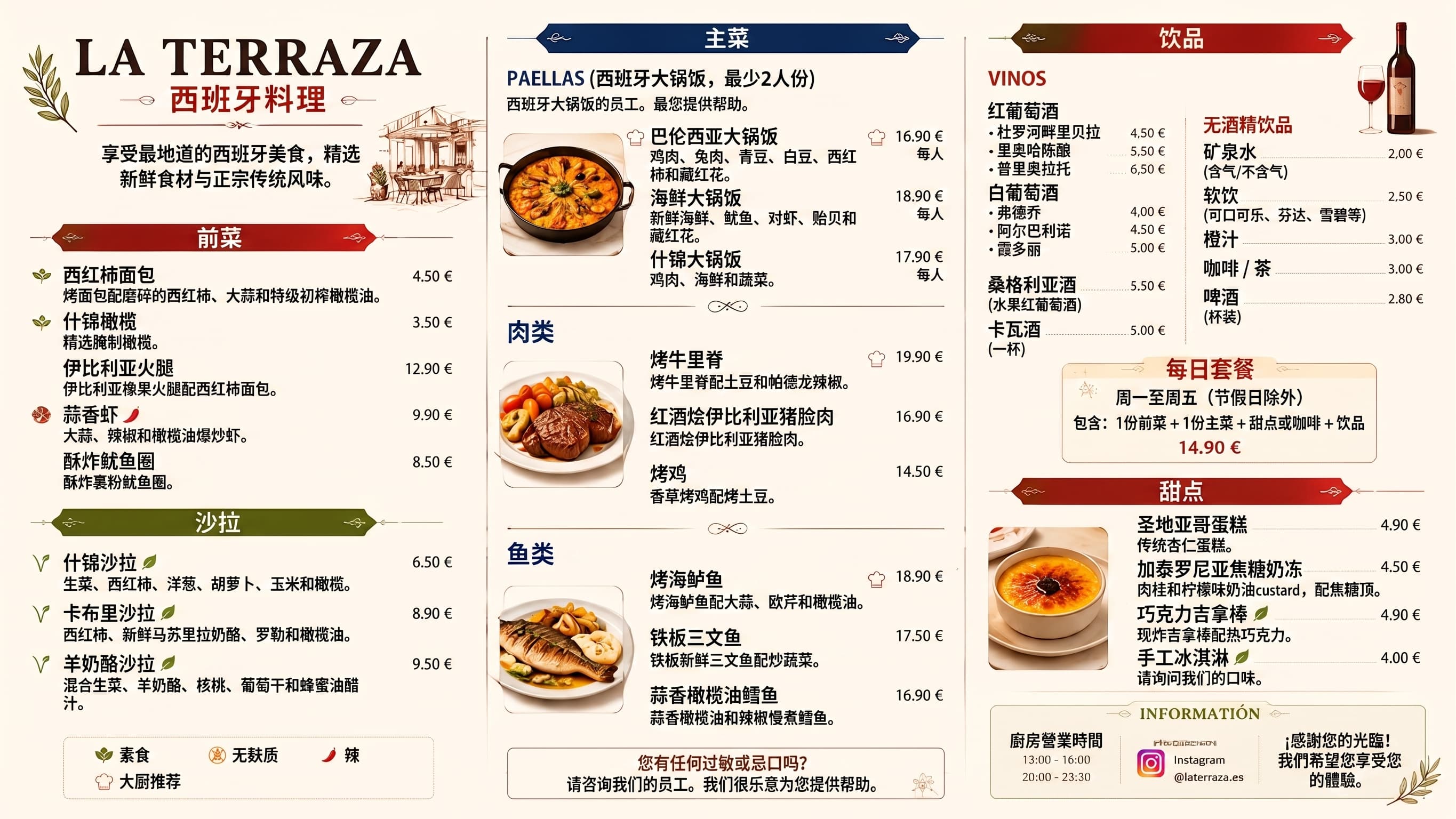
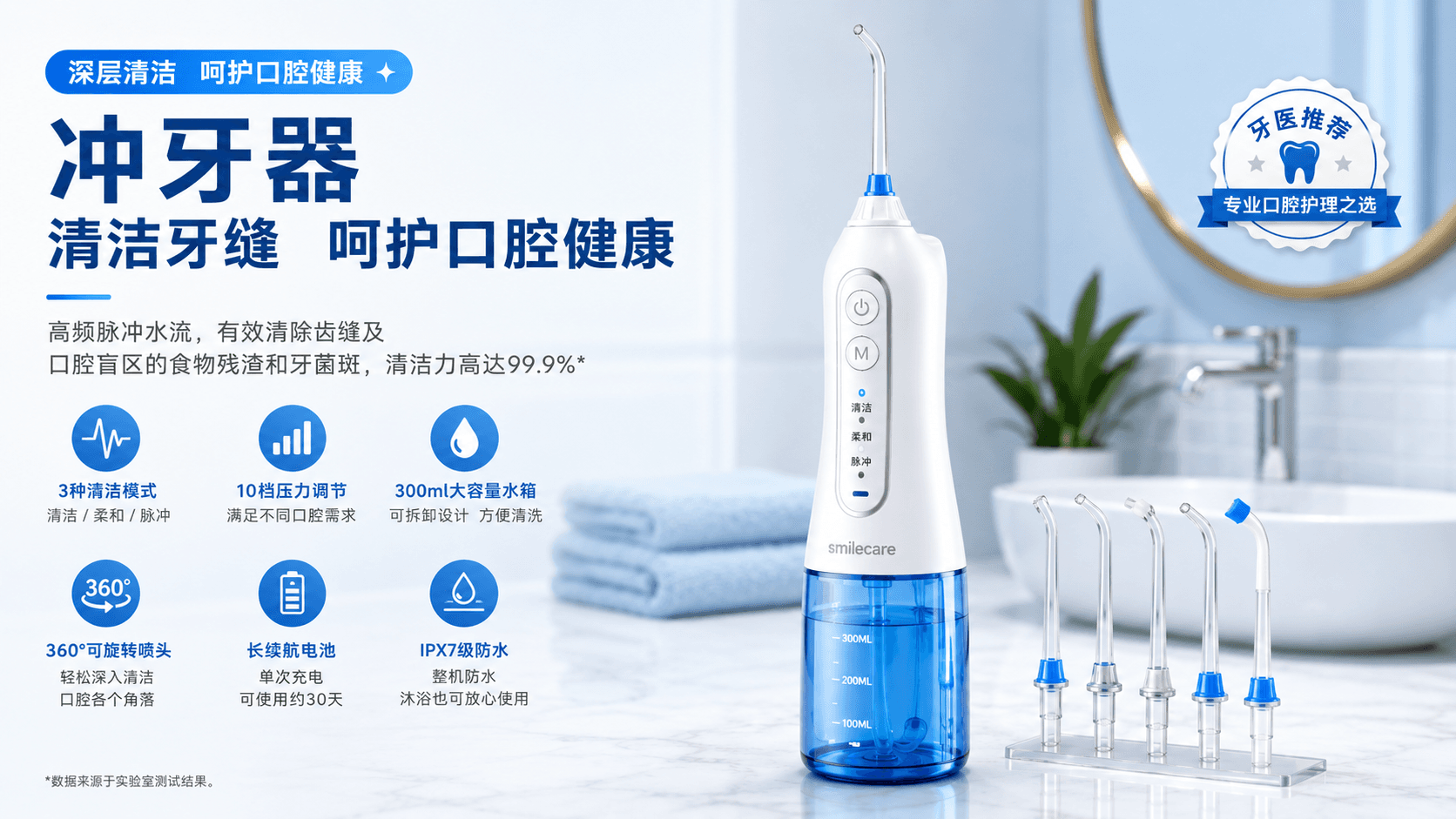
E-commerce product images

Localize product benefits, size charts, packaging and promotional graphics for international marketplaces.

Translated copy is fitted back into the original text regions so the visual hierarchy and reading order remain familiar.

Illustrative example; results vary with the source, language and model.
Manga, manhwa and comics - Translated
Manga, manhwa and comics - Original
OriginalTranslated
Style-aware rendering

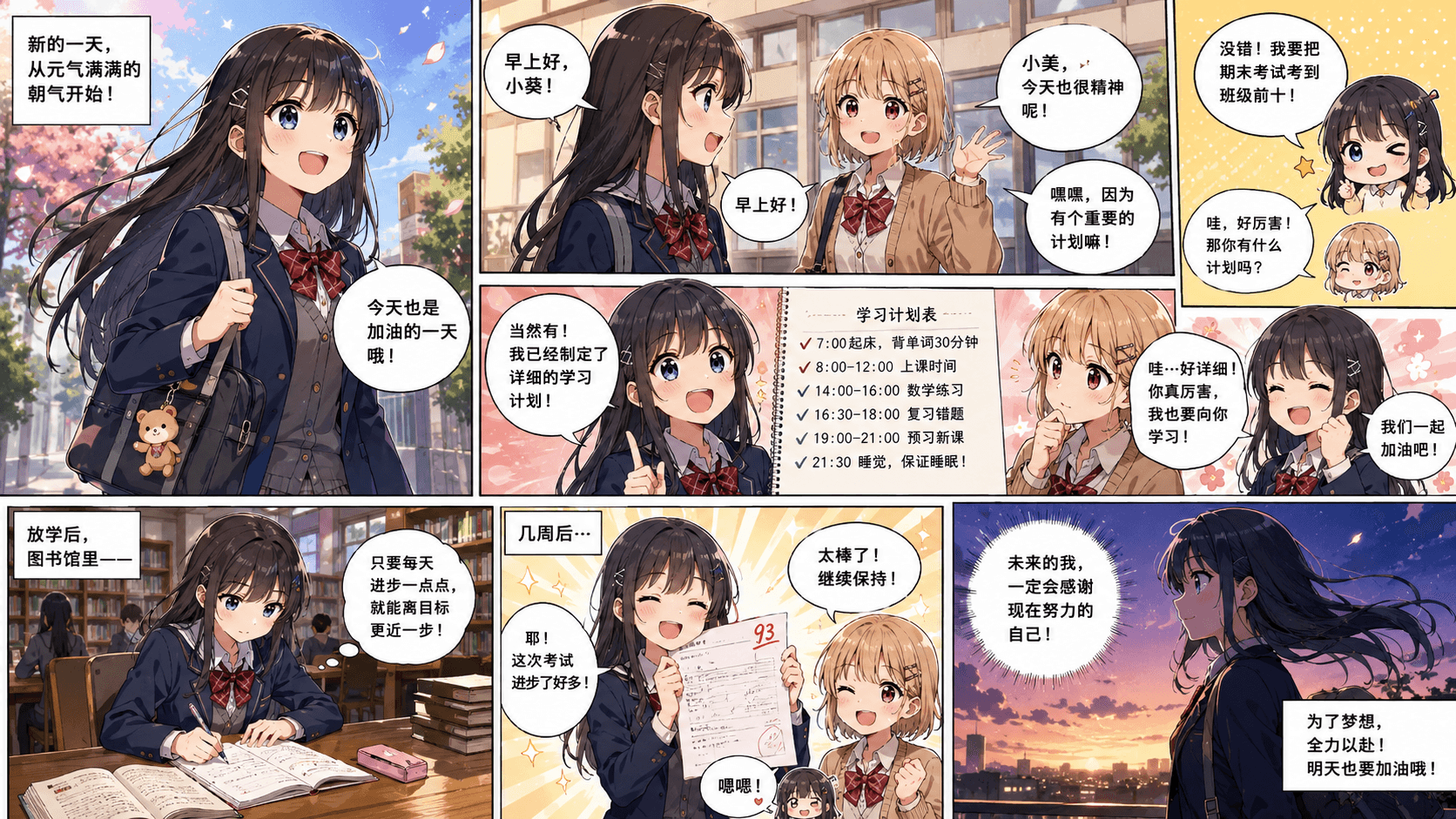
Manga, manhwa and comics

Translate dialogue, narration and labels while keeping speech bubbles, panels and artwork in place.

Font weight, alignment, color and surrounding artwork are used as references when the translated image is rebuilt.

Illustrative example; results vary with the source, language and model.
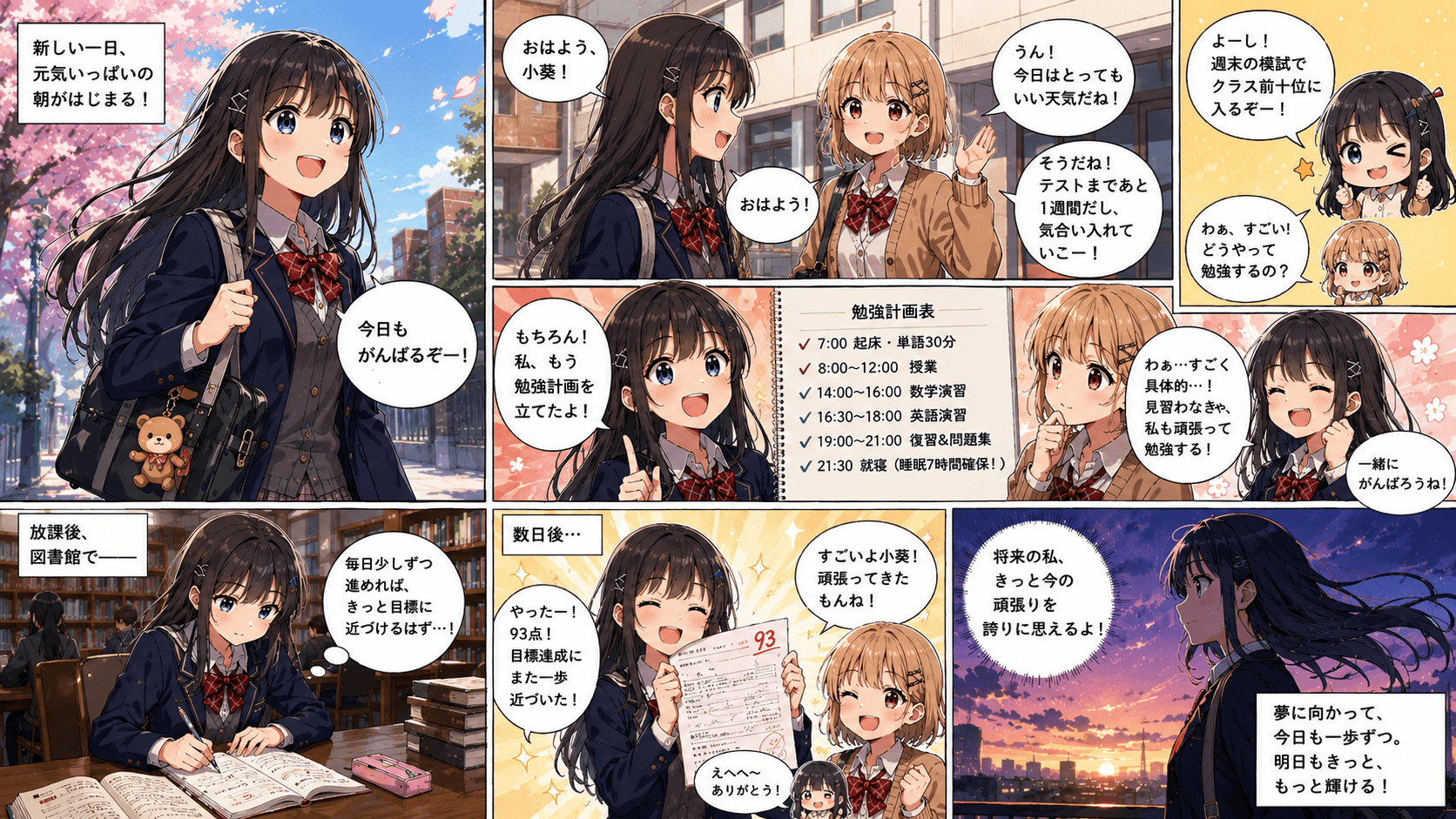
Screenshots and marketing creative - Translated
Screenshots and marketing creative - Original
OriginalTranslated
Automatic image OCR

Screenshots and marketing creative

Prepare app screenshots, social posts, ads and UI mockups for multilingual campaigns without rebuilding every asset.

Find headings, labels, speech bubbles and small print automatically, including text on busy or angled backgrounds.

Illustrative example; results vary with the source, language and model.
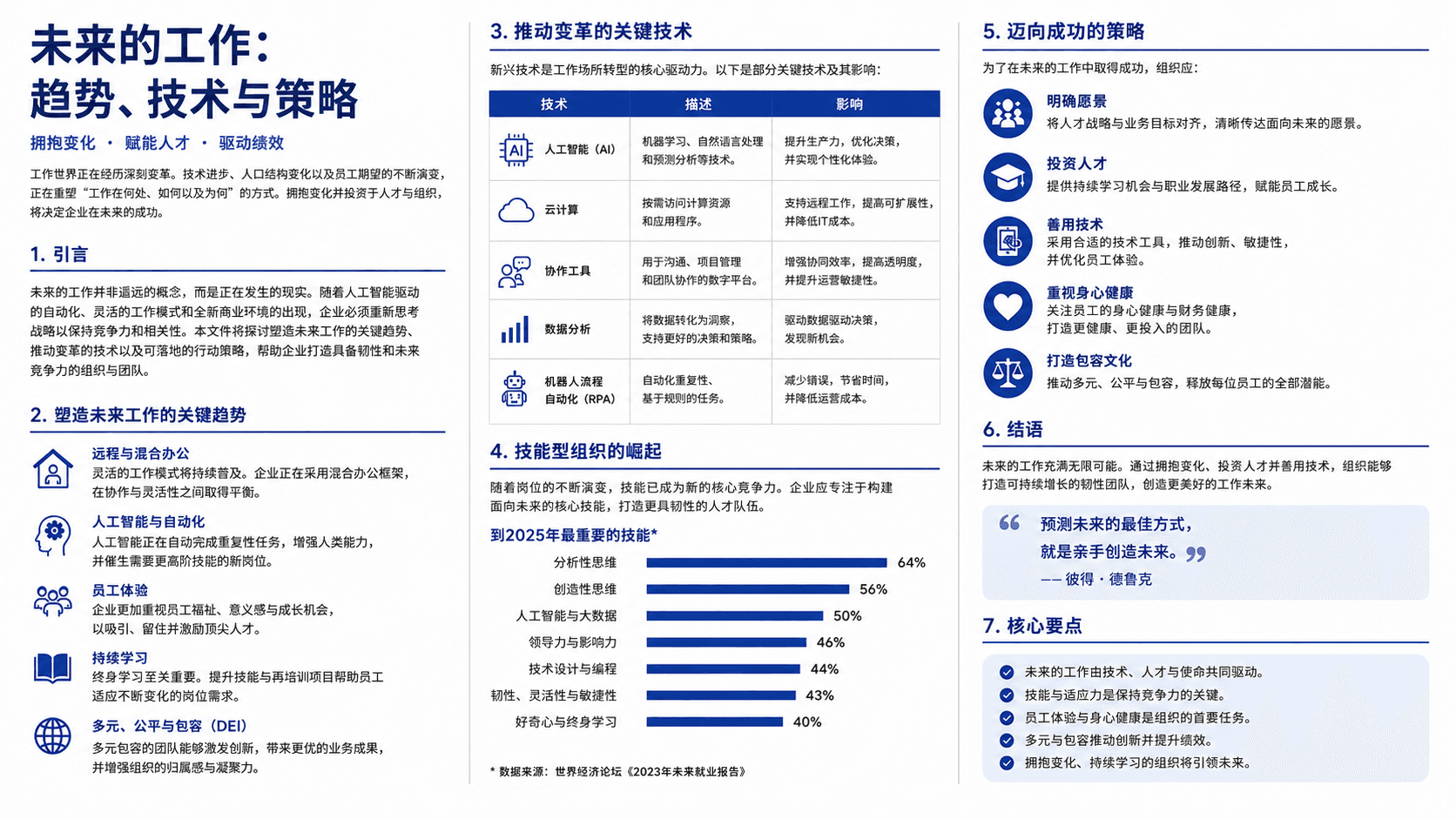
Travel photos and signs - Translated
Travel photos and signs - Original
OriginalTranslated
Side-by-side review

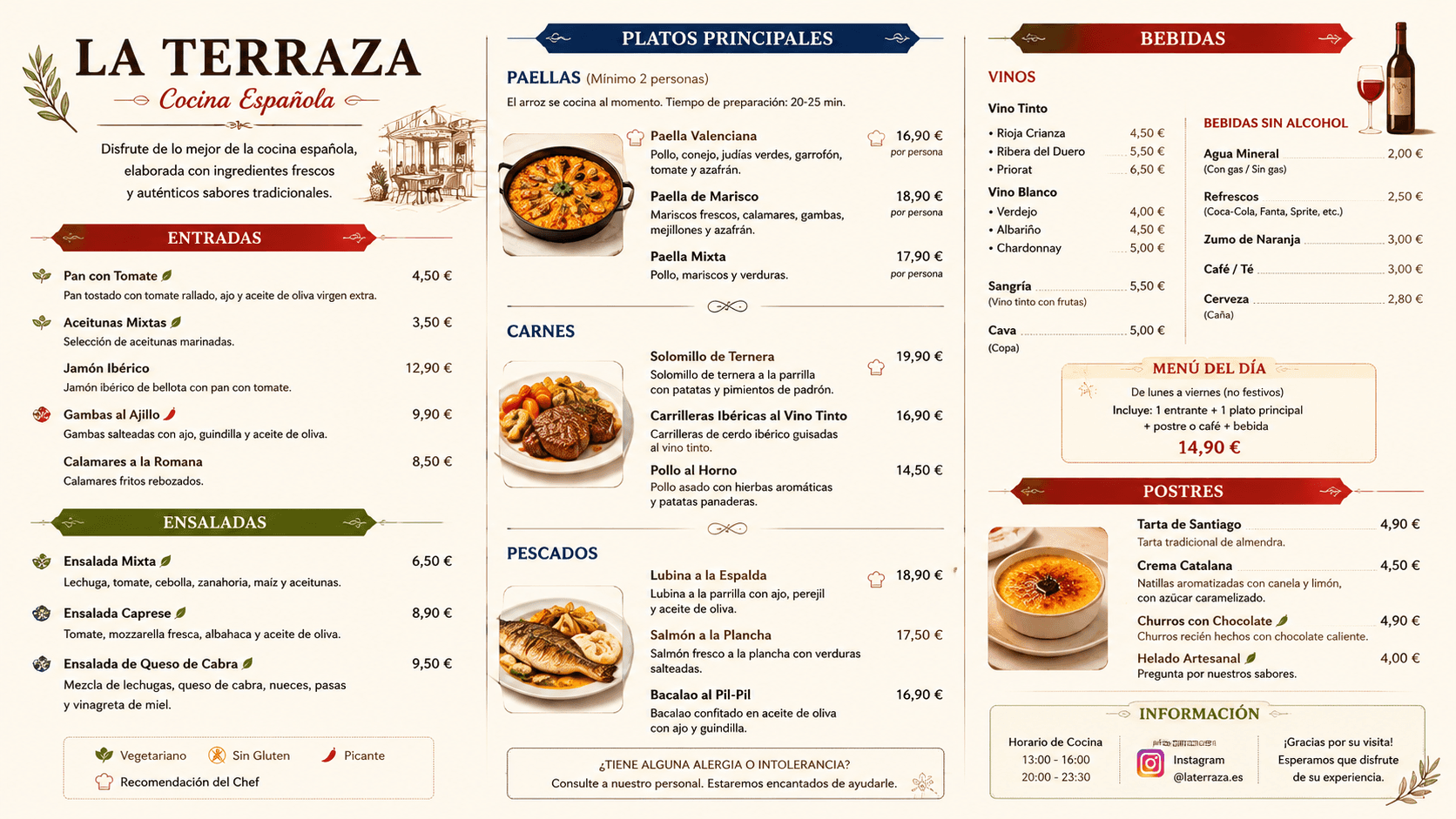
Travel photos and signs

Understand menus, street signs, tickets and notices while keeping the visual context beside the translation.

Compare the original and translated versions before downloading, then adjust settings and translate again if needed.

Illustrative example; results vary with the source, language and model.
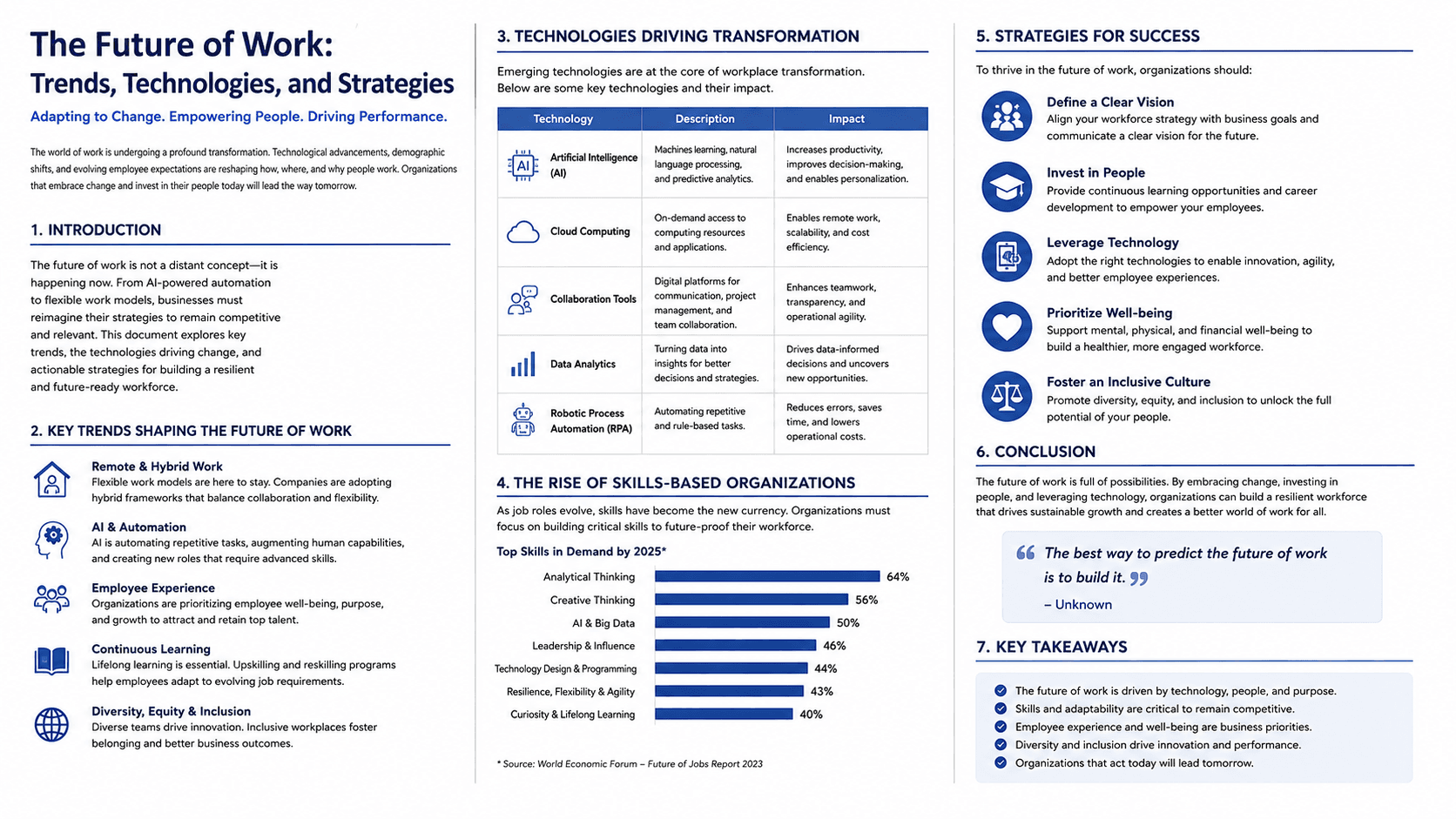
Multiple AI models

Choose among the available Torii translation models while keeping the same layout-preserving workflow.

Batch translation and ZIP export

Apply one language, model, font and alignment setup to a batch, then export completed images together.

How to translate an image online in 3 steps

There is no design software to install. The same workflow works for screenshots, photos, product graphics, scanned pages and comics.

01Upload your image

Drop in a JPG, PNG or WebP image, paste from your clipboard, or choose a sample image to test the workflow.

02Choose language and model

Leave the source on Auto Detect, select the target language and choose the AI model that fits your image.

03Review and download

Check the translation beside the original, refine the settings if necessary, then export the completed image or batch.

Frequently asked questions

What is an AI image translator?

An AI image translator detects text inside a picture, translates the wording and rebuilds the text inside the image. Unlike basic OCR, it returns a translated visual instead of only a plain-text transcript.

Can I translate an image online for free?

Yes. Create a free account and use the included credits to try image translation without entering a credit card. Paid plans add more monthly volume, larger batches and premium AI models.

Which image formats can I translate?

The online workspace supports common web image formats including JPG, JPEG, PNG and WebP. Your current plan determines the maximum file size and batch limit shown in the uploader.

Does image translation keep the original layout?

Yes. Detected text is translated and fitted back into the original regions using the source position, alignment, color and visual hierarchy as references. You can review and adjust the editable text layout before export.

How many languages does the image translator support?

ImageTranslate supports more than 100 languages, including English, Chinese, Japanese, Korean, Spanish, French, German, Portuguese, Arabic and many more. You can leave the source on Auto Detect.

Can I translate several images at once?

Yes. Batch translation lets you upload multiple images, apply one set of language and model settings, process them together and export completed results as a ZIP. The batch limit depends on your plan.

Can I review the translated image before downloading?

Yes. The result workspace displays the original and translated images side by side. You can adjust the language, model, font, alignment or prompt and translate again before exporting.

Translate the text in your image now

Upload a photo or graphic, choose a target language and get a layout-preserving result in your browser.

Image translation vs OCR and manual editing

Plain OCR is useful when you only need extracted text. ImageTranslate is designed for the moment when you need a translated picture back.

Image translation vs OCR and manual editing
CompareImageTranslateOCR + manual design work
Final outputTranslated image ready to review and exportExtracted text that still needs design work
Text placementRebuilt in the detected source regionsCopied and positioned by hand
Batch workflowOne setup can process multiple imagesRepeat OCR, translation and editing per file
Best forVisual localization and share-ready assetsText extraction or one-off manual projects

What makes an image translation look natural?

Good image translation starts before the words are translated. The system first identifies which marks are text, groups them in the correct reading order and understands where each block belongs. A menu, comic page and product graphic all use text differently, so accurate region detection helps avoid replacing logos, textures or decorative shapes by mistake.

The translated wording also needs to fit the available space. A phrase can become much longer or shorter in another language, and a literal translation may not work inside a narrow label or speech bubble. AI translation uses nearby text and your optional prompt to preserve product names, tone and context while producing wording that can be placed back into the design.

Finally, the image must be reconstructed. ImageTranslate uses the source position, alignment, color and surrounding background as references, then gives you a side-by-side view for review. You can try another available Torii model when an image needs a different translation result.