AI background remover

10 credits/image

Use our high-performance GPU server to process images, intelligently identify the subject and remove the background, generating transparent PNG images.

Upload pictures

Drag the picture here

Supports JPG, PNG and WebP formats, with a maximum size of 10MB per file

or

Up to 10 images are supported

Processing result

Wait for the upload of the picture

After logging in, you can upload and start processing

Total ⟨ ⟨ VAR0 ⟩ ⟩ zhang, pending ⟨ ⟨ VAR1 ⟩ ⟩ · processing ⟨ ⟨ VAR2 ⟩ ⟩, completed ⟨ ⟨ VAR3 ⟩ ⟩ · failure ⟨ ⟨ VAR4 ⟩ ⟩

Real cases

Comparison of image extraction effects

Drag the slider to view the comparison between the original image and the matting effect. The checkerboard background shows the transparent area

Original image
The image has been cut out.
Original image
The image has been cut out.

Portrait matting

Accurately identify the outline of the figure and perfectly separate the background

Original image
The image has been cut out.
Original image
The image has been cut out.

Product image cutting

Quickly remove the background from e-commerce product images

Original image
The image has been cut out.
Original image
The image has been cut out.

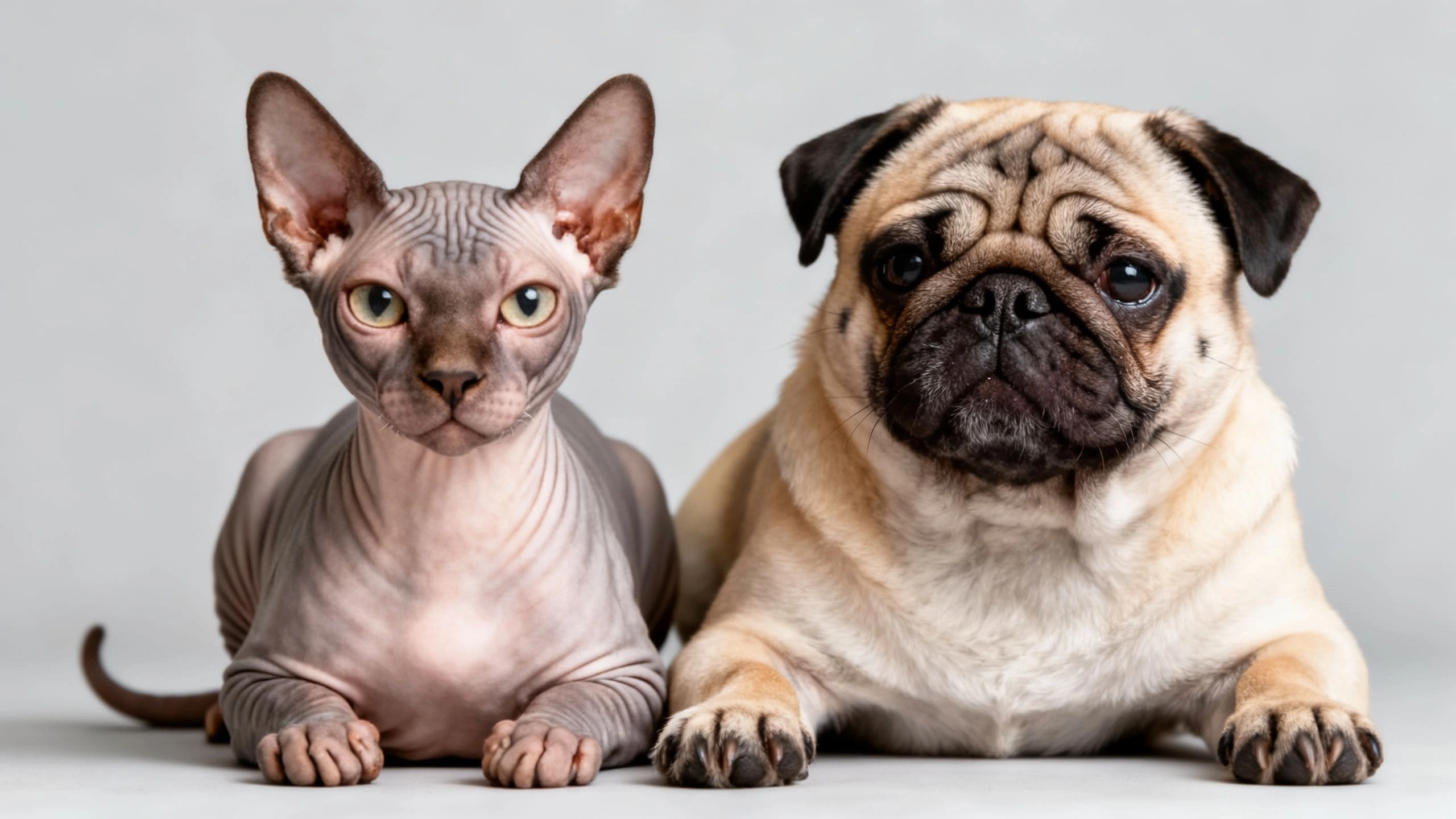
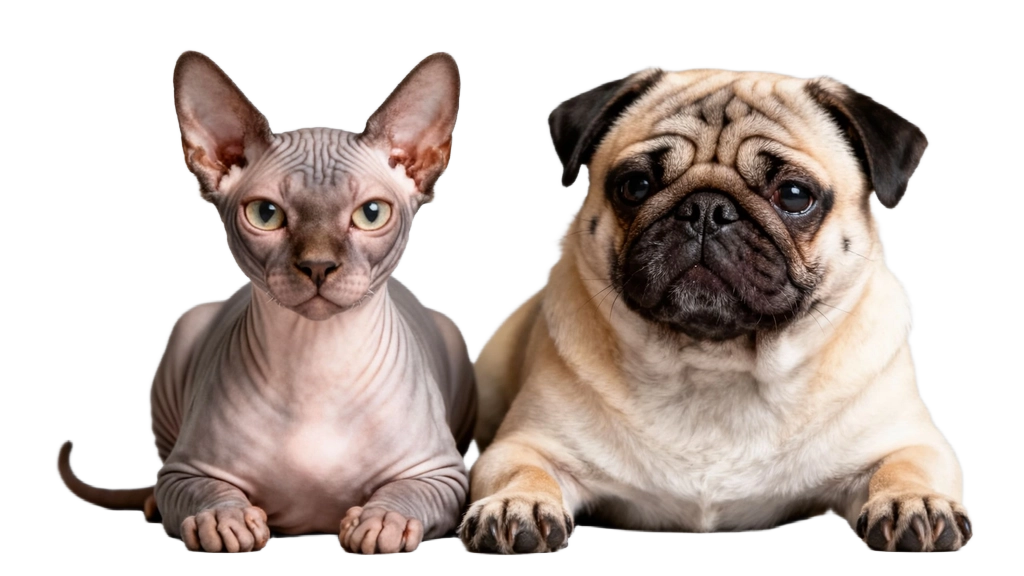
Pet image cutting

Precisely handle the hair edges and achieve a natural transition

💡 hint: Drag the slider in the middle of the image to compare and view the original image and the matting effect

How to use

Three simple steps to quickly remove the background of an image

01

Upload pictures

Supports drag-and-drop upload or click selection. Supports JPG, PNG and WebP formats. The maximum size of a single image is 10MB

02

AI intelligent image matting

Click the "Start Processing" button, and the AI will automatically recognize the subject and remove the background

03

Download results

After processing is completed, you can preview the effect and download the PNG image with a transparent background

Q&A

Frequently Asked Questions about background remover